Transport modes
Tell Pebbls how you're travelling
Tap TRANSPORT at the bottom of the Record screen to pick how you are moving. The icon is drawn on your route, colours the journey on the map and lets followers know what you are doing.
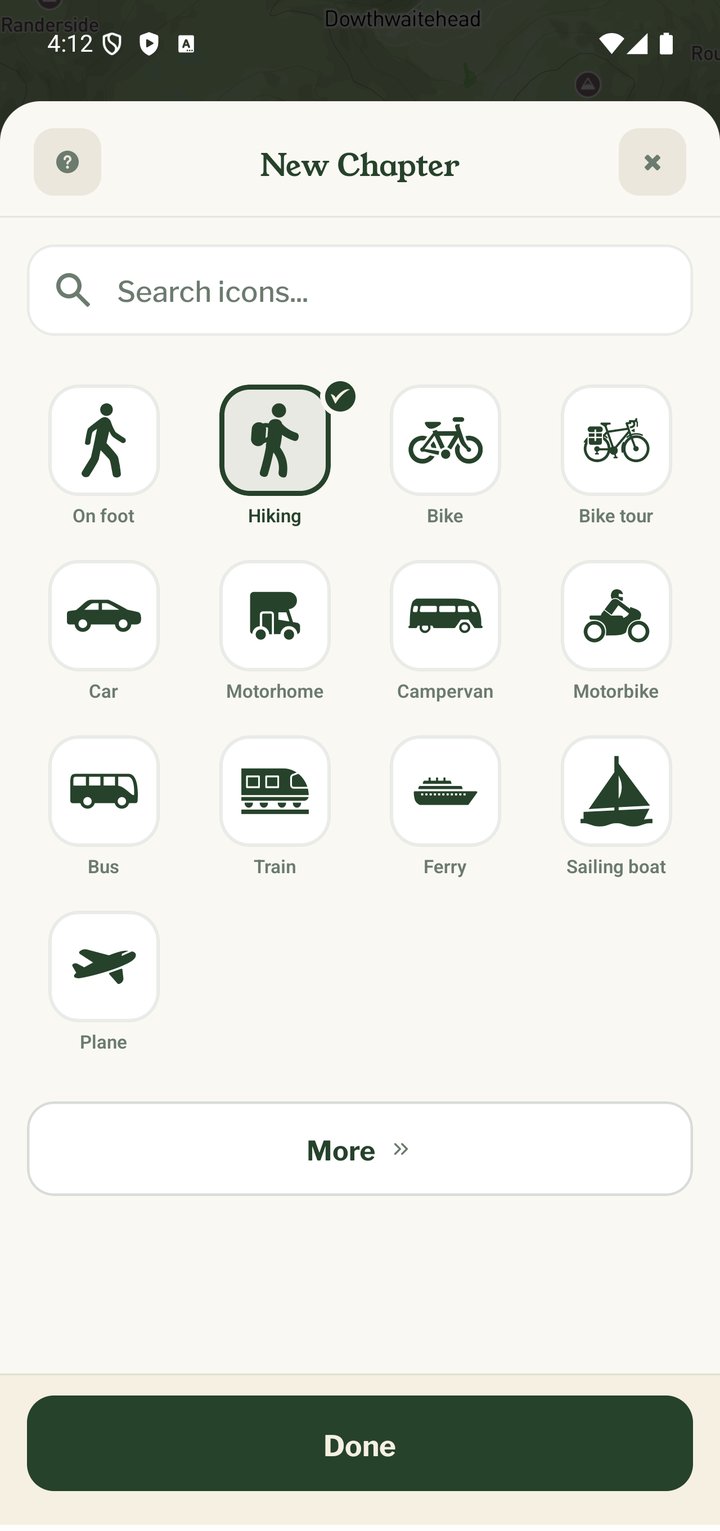
Nearly 80 modes
The picker is grouped into Popular, Land, Water and Air, and you can search. Walking, hiking, running, road and touring bikes, car, campervan, motorbike, bus, train and tram are in Popular. Land also has horse, skiing, snowboard and wheelchair; Water has sailing, kayak, canoe, paddle board, ferry and cruise ship; Air has plane, helicopter, glider, balloon and skydiving.
Changing mode mid-chapter
Change transport as often as you like while tracking. The new mode applies from that point on, so a walk to the station, a train and a bike ride home all show correctly in one chapter.
When your speed doesn't fit
While you're tracking, Pebbls keeps an eye on your speed. If it doesn't fit the transport you've picked, it asks whether you've changed and offers a few to choose from. That's after about 5 minutes going faster than you could walk, run, cycle, paddle or sail; after 3 minutes at walking pace on a train, tram or metro; and after 10 minutes at walking pace in a car or bus, because traffic jams crawl too. If you've picked train and haven't gone faster than 45 km/h for half an hour, it asks You've been slower than a train for half an hour, with Bike, Bus, Car and Walking. It never changes the transport by itself and asks at most twice a day.
Flights
Choosing a flying mode shows a "Skip the Commute?" reminder: a flight can dominate your map. Chapters with flying transport do not get flyby films.
Mobile app
- The Record screen
- The bar at the bottom
- GPS tracking
- Journeys with no pebbls
- Live and standard tracking
- Tracking on the lock screen
- The JOURNEY menu
- Tools on the Record map
- The country you're in
- Phrasebook
- Daylight
- Signpost
- Packing list in the app
- Safety plan in the app
- Editing a chapter
- Editing journey details
- App permissions
- App settings
- Offline maps and places
- Syncing and uploads
- Mobile data usage
- GPS signal tips
- Notifications
- Troubleshooting