How to turn your route into a 3D video (from Strava, Garmin, Komoot or a GPX)
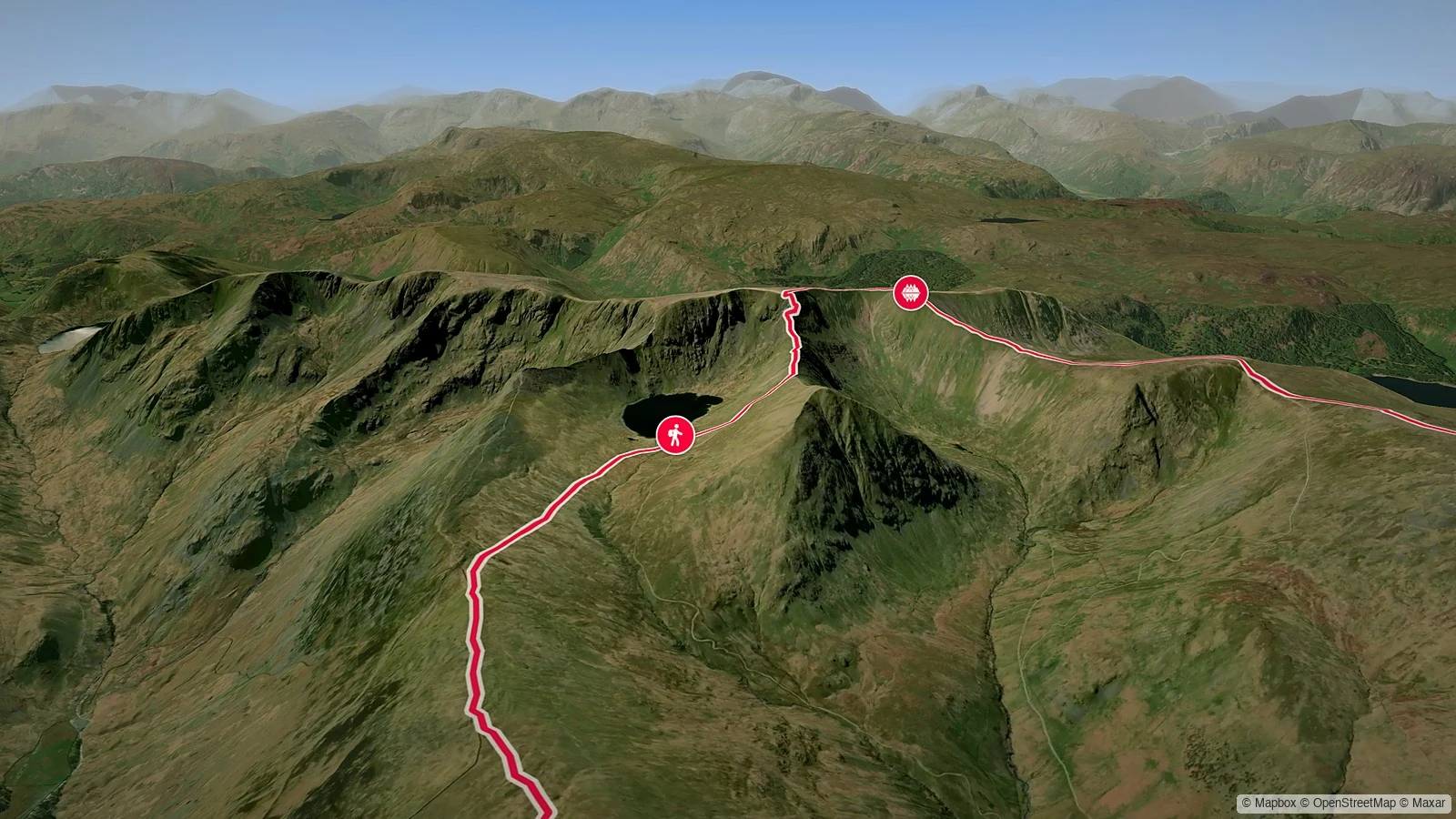
A route on a flat map is a squiggle. The same route as a 3D video is a story: the camera tilts down over the real landscape, follows your line up the valley and over the pass, and you can see exactly why that day was hard. Hills look like hills. The coast you followed looks like a coast.
You can turn any route into a 3D video, free, with Pebbls' Route to video. Bring a GPX from Strava, Garmin, Komoot or your watch, or draw the route on a map. You don't need to have recorded it with Pebbls.

What a 3D route video looks like
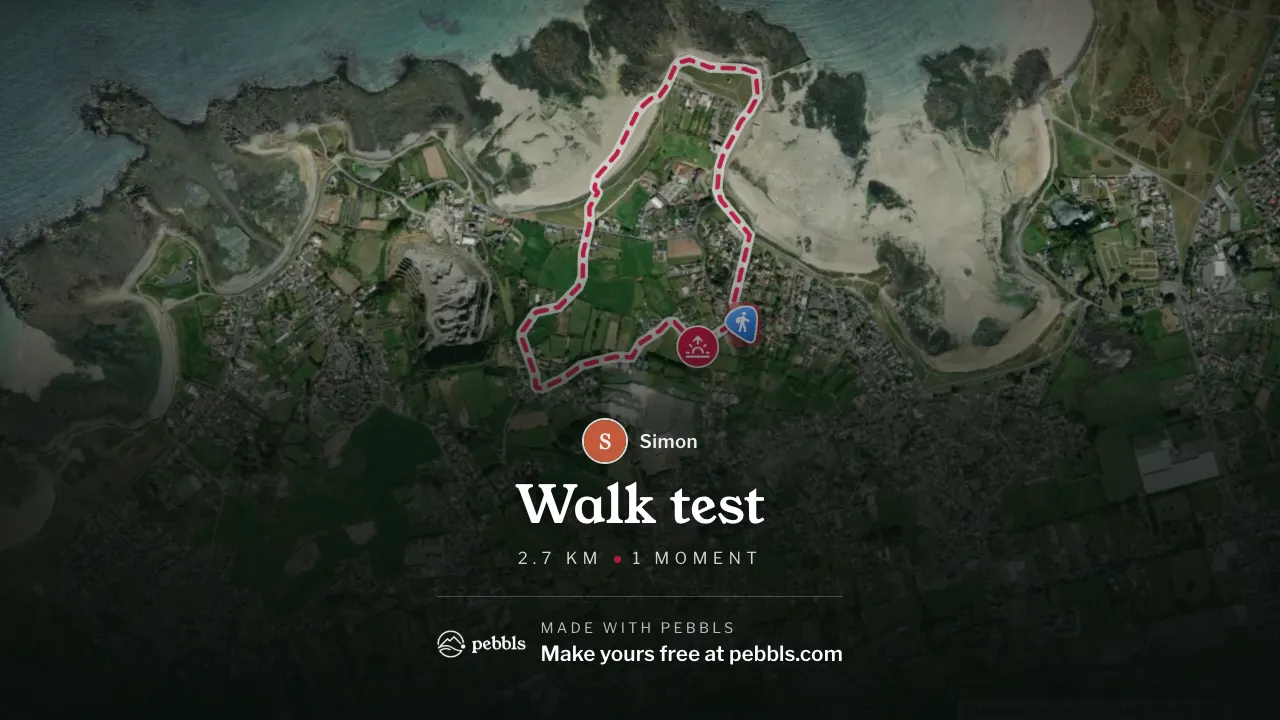
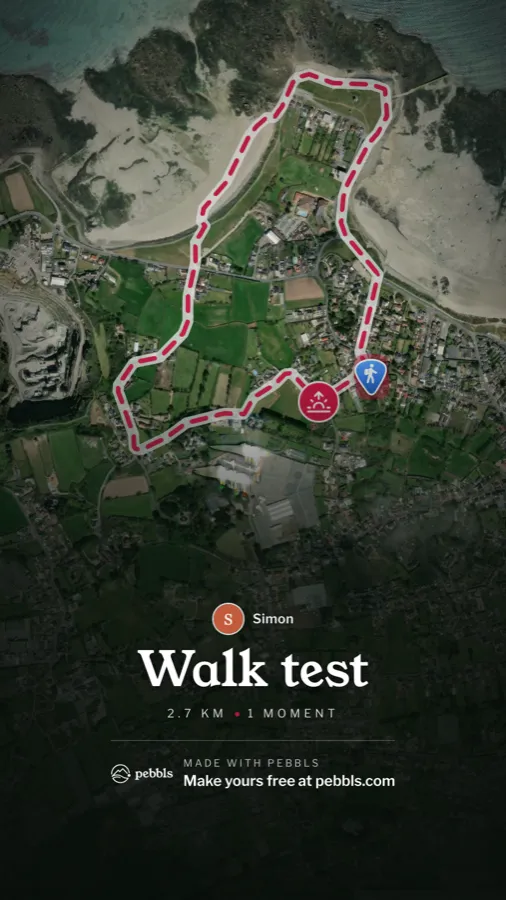
Your video opens on the whole route, seen from above, with its title. Then the camera drops down and flies along your line in 3D, over satellite imagery of the real ground, from the first metre to the last. Where you've added a moment, it slows down and shows your photos and a line of text about what happened there. It ends on the full route again, with your name, the distance and the moments.
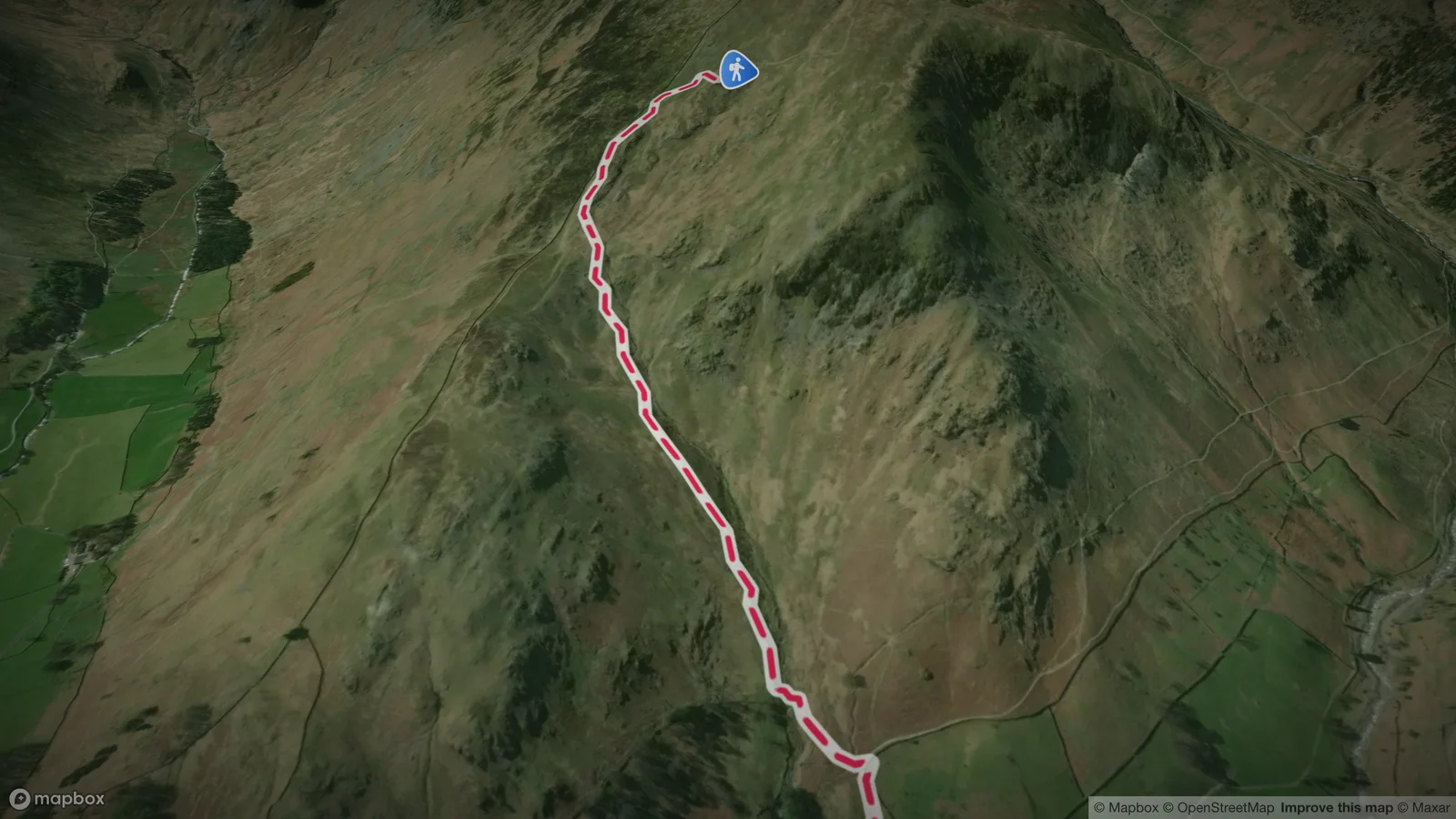
At Pebbls we call these flyby films. They're usually under a minute and a half: long enough to show the whole day, short enough that people watch to the end.
The routes that make the best 3D videos
- Anything with hills or mountains. A climb, a pass, a ridge walk, a summit. This is where 3D earns its keep: a 900 m climb is just a line on a flat map, and a wall in 3D.
- Coasts, lakes and islands. A coast path, a loop round a lake, an island crossing. Water and land make the shape of the route obvious from the air.
- Long journeys. A tour, a voyage, a road trip in a van. Watching hundreds of kilometres go by in a minute is strangely moving.
- A day people asked about. Your first century ride, your longest run, the family walk with the grandparents. If people asked "how was it?", this is the answer.
How to make a 3D video of your route
Go to app.pebbls.com/route-video. There are three steps, and your project saves as you go.
1. Add your route
- Upload a GPX file from Strava, Garmin, Komoot, a bike computer or a watch (where to find it is below).
- Draw it on the map. Tap where you started, then along your way. With "Follow roads and paths" on, the line follows the roads and trails; switch it off for a sea crossing or open hillside.
- Start from one of your Pebbls journeys if you're an Explorer member: choose the journey or the chapters, and the route, transports and pebbls are filled in for you.
Then say how you travelled: bike, hiking, walking, car, campervan, train, boat and more. If it changed along the way, a ferry in the middle of a ride or a bus back after a walk, mark the spot and pick what you switched to. Each stretch gets its own icon in the video.
2. Add your moments
A moment is a place with a name, a line or two of text and your photos. Tap Add a moment, then tap the route where it happened. The 3D flight slows down there and shows them.
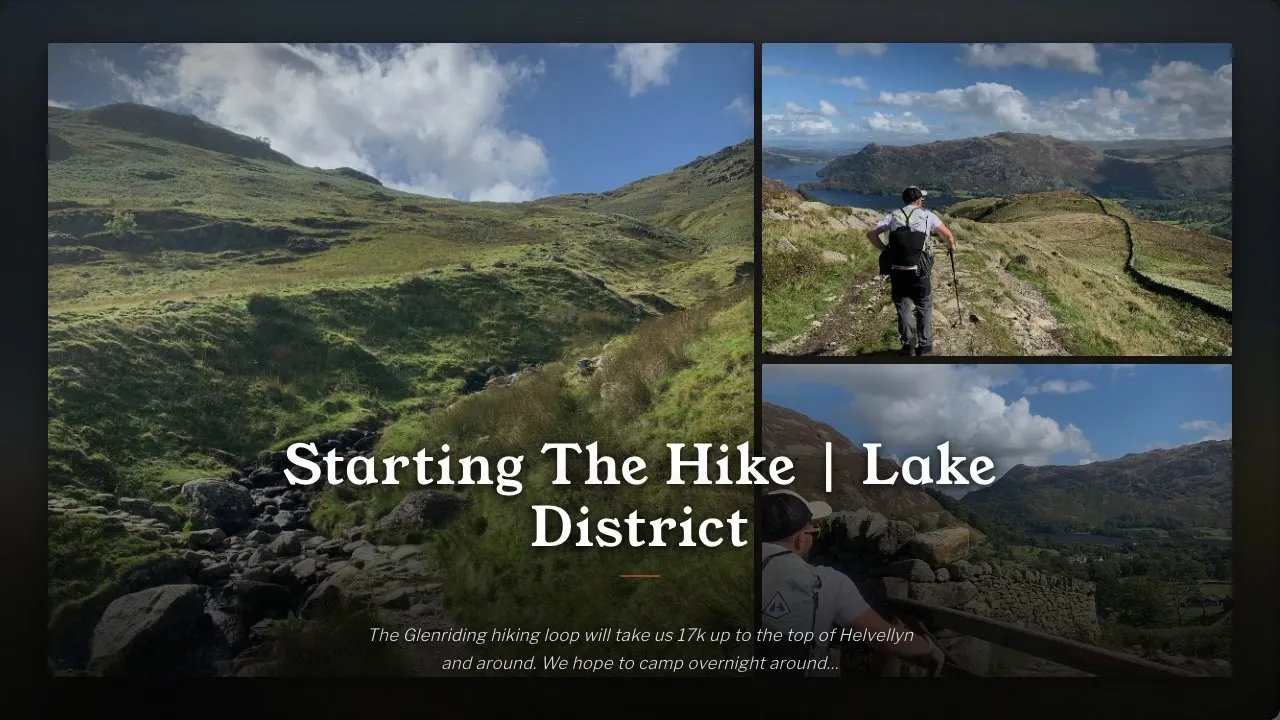
Give each moment an icon (there's a search: try "summit", "lunch" or "puncture"). If your GPX has named waypoints, Route to video offers to turn them into moments.
3. Choose the format and make it
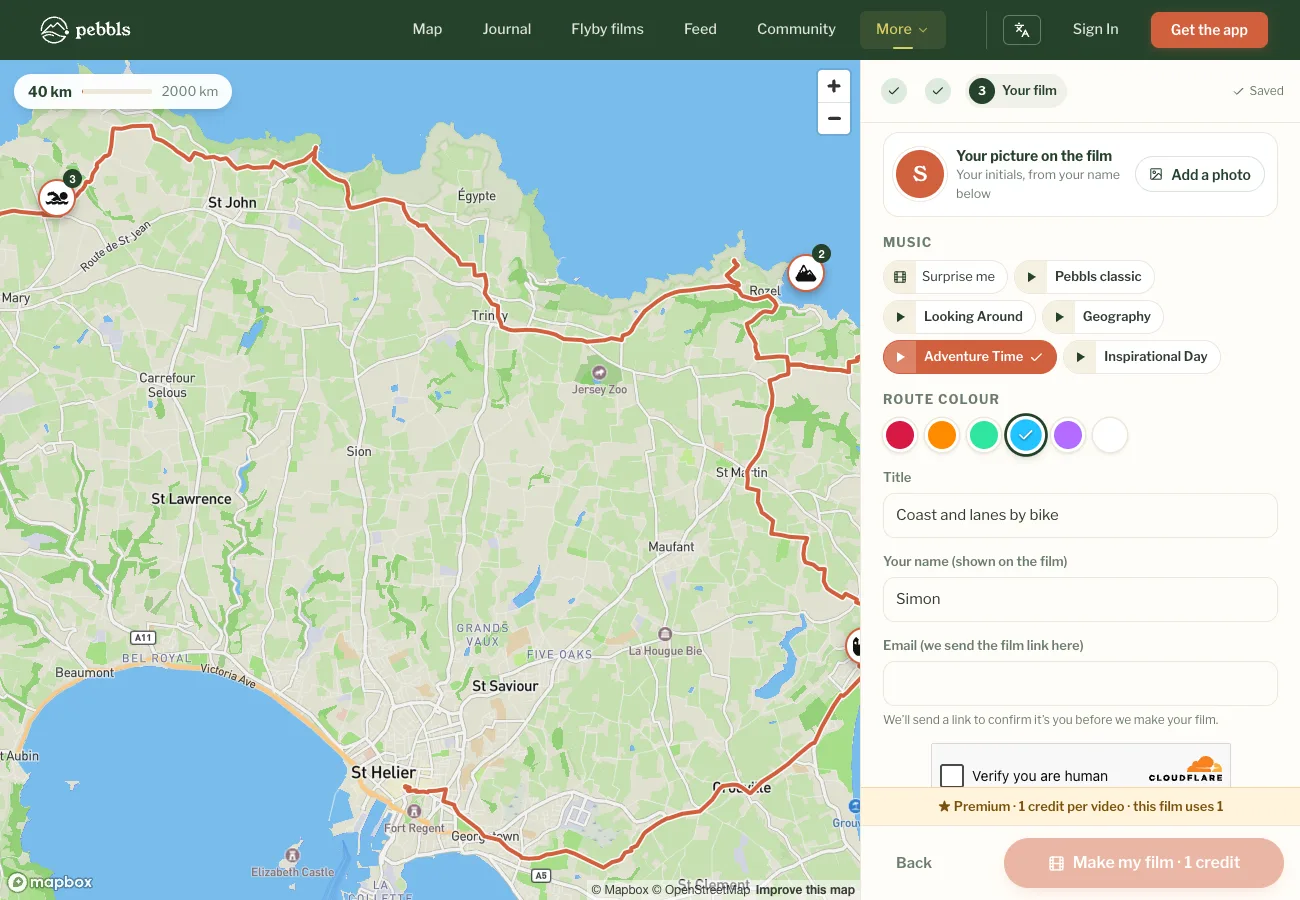
Pick landscape for YouTube, WhatsApp and the TV, portrait for Instagram Reels, TikTok and Stories, or square for Instagram and Facebook feeds. Add a title, your name and your picture if you'd like them on the end card, then press Make my film.
We email you when your 3D video is ready. Download it and share it; its page stays up for 48 hours.
How to get a GPX of your route
GPX is the file almost every sports app and GPS device uses to save a route:
| App or device | Where to find the GPX |
|---|---|
| Strava | On strava.com (not the app): open the activity, the ··· menu, then Export GPX |
| Garmin Connect | On connect.garmin.com: open the activity, the cog, then Export to GPX |
| Komoot | On komoot.com: open the tour, the ··· menu, then Download GPX file |
| AllTrails | On alltrails.com: open your recording, the ··· menu, Download route, then GPX |
| Wahoo, Hammerhead, Apple Watch | Easiest through Strava or Komoot, if your activities sync there |
| Pebbls | Any chapter of a journey downloads as a GPX from the journey map |
No GPX? Draw the route instead. A day's ride or walk takes a couple of minutes.
Free and Premium 3D videos
Free: routes up to 200 km with 10 moments and 3 photos each, in one format, with a small Pebbls mark and a short end card. Free videos join the queue and are usually ready within a few hours. You don't need an account; you just confirm your email so we can send you the video.
Premium: one credit per video. You get all three formats from one film (three credits), routes up to 2,000 km with 50 moments and 4 photos each, your choice of music and route colour, and no queue, so it's ready in minutes. Every Pebbls account gets one credit to try, Explorer members get 6 a year, and you can buy more 6 at a time.
Seven tips for a better 3D route video
- Crop the route to the good bit. An hour of town streets makes a slow start. Crop the activity in Strava or Komoot before you export it; and if a GPX is longer than your video allows, Route to video asks which stretch to keep.
- Let the terrain do the work. The best 3D moments are where the ground changes: the top of a climb, the edge of the sea, the head of a valley. Put moments there.
- Fewer, better moments. Five strong moments beat fifteen quiet ones. Have one near the start and one near the end.
- Lead with your best photo. Each moment shows its photos in order, so put the one that tells the story first.
- Write like a postcard. One line of text per moment: "Lunch at the only café for twenty miles" beats a paragraph.
- Get the transport right. The icon changing from bike to ferry and back is half the fun.
- Choose the format for where it's going. Portrait for Reels and TikTok, landscape for WhatsApp and the family TV.
3D videos of your trips, made for you
Route to video is for routes you've already done. If you'd rather not make videos by hand, track your next trip with the Pebbls app. It records your route as you go, you drop a pebbl (a photo and a few words) wherever something happens, and every chapter with a few pebbls and photos gets its own 3D flyby film automatically, free. Family and friends can follow along on the map while you're still out there.
Questions people ask
How do I turn my Strava route into a 3D video? Export the GPX from the activity on strava.com (··· menu, Export GPX), upload it to Route to video, add a few moments with photos, and press Make my film.
Can I make a 3D video from Garmin or Komoot? Yes. Export the activity or tour as a GPX and upload it. Any GPX works.
Is it free? Yes. Free videos carry a small Pebbls mark and a short end card, and there are no card details and no trial. Premium is optional.
Do I need to have used Pebbls? No. Any GPX works, or you can draw the route on the map.
Can I choose the music? Premium videos let you pick from five tracks, with a preview of each. Free videos get a track chosen for you.
Can I make a 3D video of a multi-day trip? Yes: upload one GPX that covers the whole trip, or draw it. Explorer members can start from their Pebbls journey and pick the chapters. Free videos go up to 200 km; Premium up to 2,000 km.
What happens to my photos? They're used to make your video. The video and your project are deleted 48 hours after it's ready, unless you keep it on Pebbls.
Make your 3D route video now: it takes a few minutes, and it's free.