Explorer directory and profiles
Discover explorers
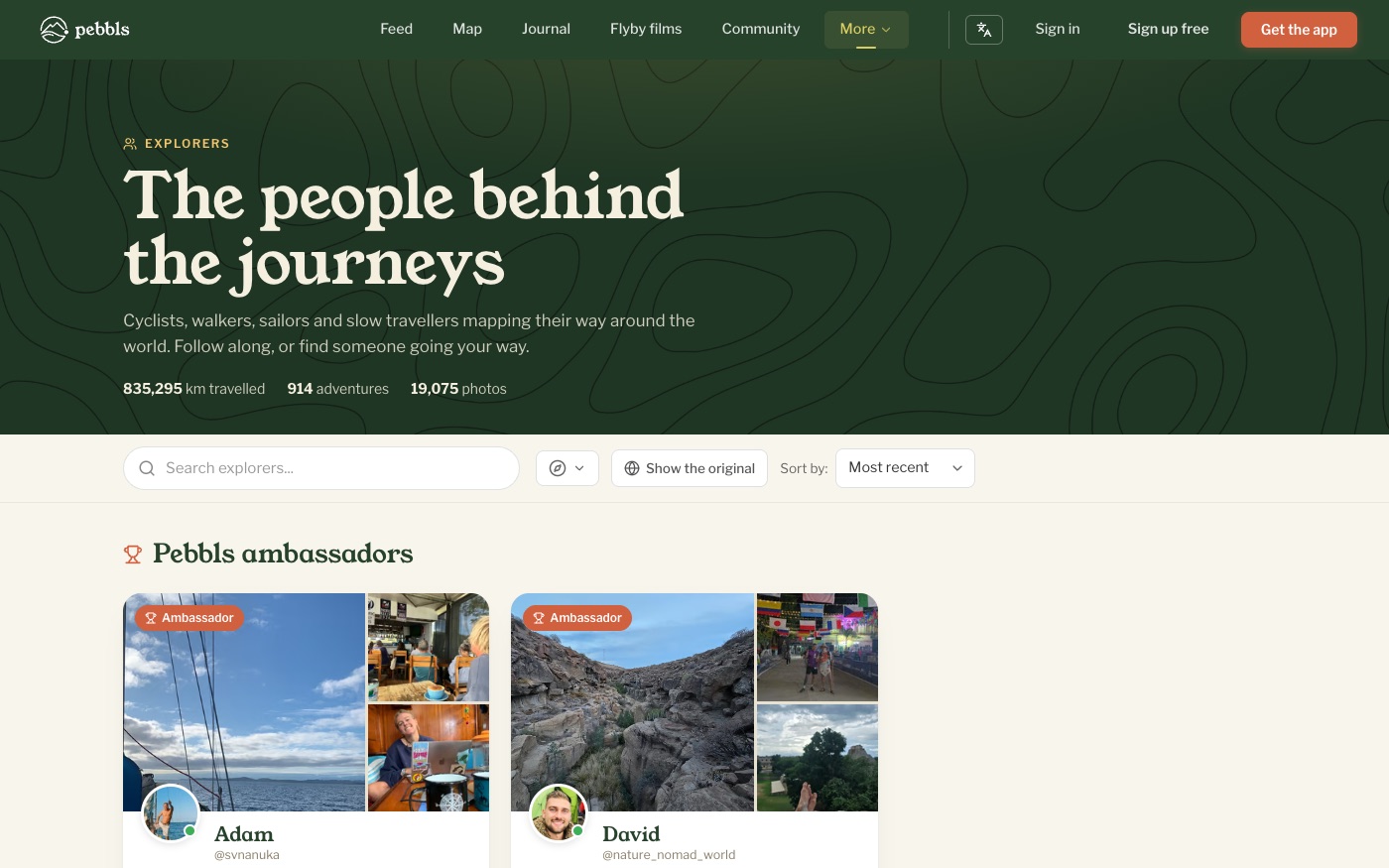
www.pebbls.com/explorers shows the people behind the journeys, with Pebbls Ambassadors first. Each card has photos from their journeys, where they are now or went last, a dot if they have been active this week, and Follow. Search by name, filter by transport and sort by Most Recent, Most Journeys, Most Pebbls, Most Photos or Most Distance.
Profiles
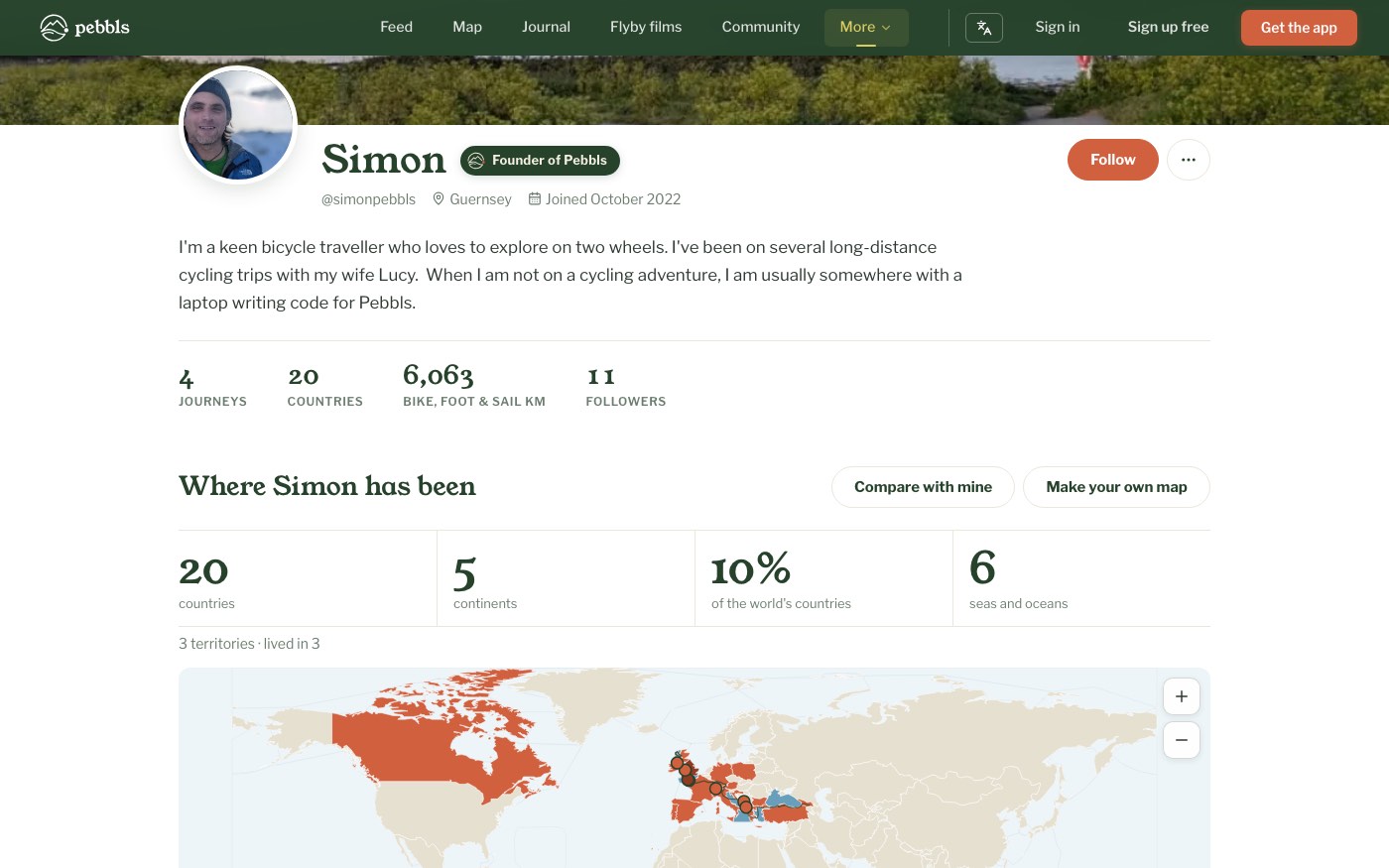
A profile starts with the explorer's figures: journeys, countries, Bike, foot & sail km and followers. Any still at zero are left out. Below that come their countries map, travel badges, journeys, recent photos and communities, with a Follow button and a link to their activity. Public journeys are listed once they have 3 pebbls. A journey they're on now (something recorded in the last three days) comes first, marked Out there now, even before its first pebbl. If someone hasn't listed a journey yet, visitors see a line saying they haven't shared a journey yet, with Follow, so their first one turns up in the feed. On your own new profile, Next steps (only you see it) lists what's left: your first journey, a profile photo, a few words about yourself and the countries you've been to. See "Badges and countries".
Your listing
You appear in the directory once you have a public journey. Your profile lives at pebbls.com/explorers/your-nickname. Add a photo, cover and bio under My Account in the app or Account › Profile on the website, and private journeys are hidden from visitors (you can show or hide them on your own view).