Out there
Discover adventures
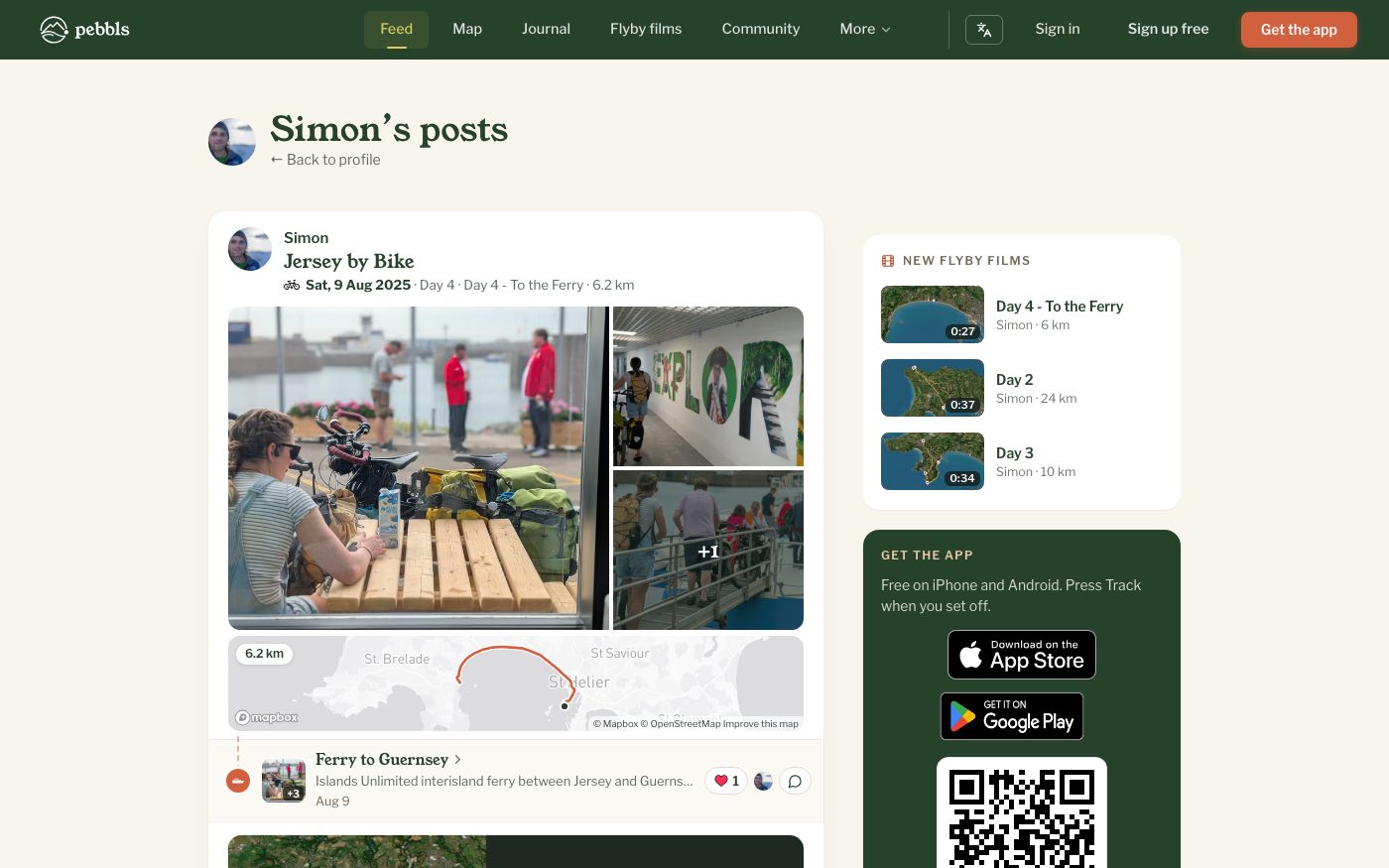
Out there, at www.pebbls.com/feed, shows the latest from people on trips everywhere. At the top is a card for each trip that's under way. Several Pebbls from the same journey are shown together as one update, with Show more and Read it in the journal, and new flyby films appear as posts of their own. In the app it's the Out there tab.
All, Following, My Communities
Switch between All, Following (people you follow) and My communities (journeys in the communities you belong to); the last two need you to sign in. Use the transport filter to see only cycling, sailing or hiking, and the search to find posts, people or journeys.
Out there in the app
Pull down at the top of Out there to see what's new. While one of your trips is under way, a Your journey card at the top shows it with the chapter you're on. Add pebbl opens a new pebbl in that chapter, and Open takes you to Record.
On each Pebbl
- React: tap the heart and pick one of seven (see "Reactions and comments")
- Comment, reply and like comments
- Follow along with the person who posted it
- Share it
- Open the pebbl on the map or in the journal
- Tap a photo to see it full size. Under it you can react, and View pebbl, Journey map and Journal take you there
- The small icon before the date shows how that chapter was travelled. Rest the mouse on it to see its name
- Report a problem with the post
Link posts
Pebbls that link to a YouTube or Vimeo video play it right there in the feed and the journal. Other link posts (a blog, Instagram, Facebook or TikTok post, or a fundraising page) have a button that opens the page and shows which site it is on.
A "Private" badge?
You will see it on your own private journeys only. They are hidden from everyone else's feed.