What are communities?
Overview
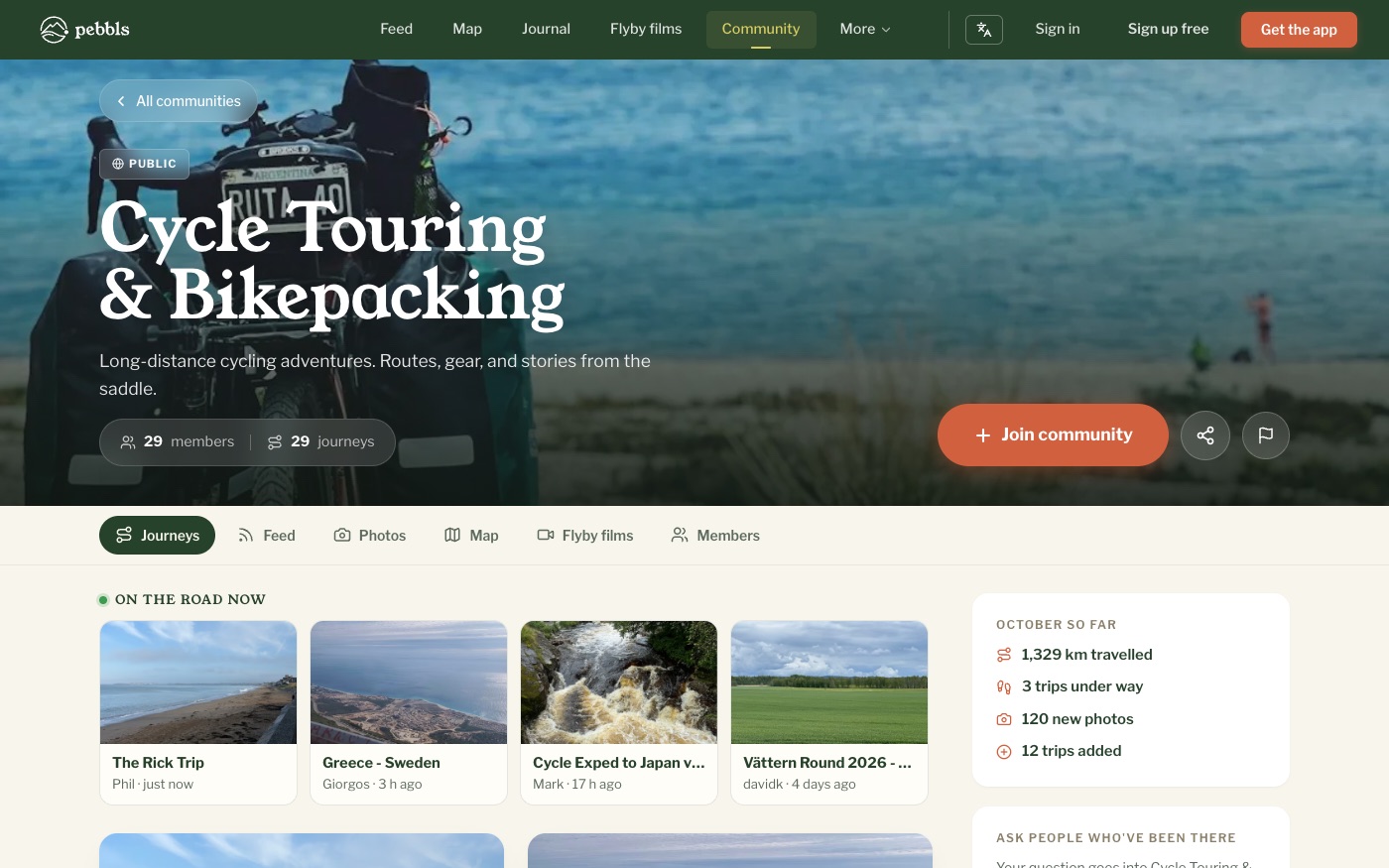
Communities are places where adventurers with a shared interest meet: a cycling club, a charity ride, a tour company's guests, or simply everyone who loves kayaking. Members share journeys to the community, talk in discussions and see each other's Pebbls on one map. Find them at www.pebbls.com/community or the Communities tab in the app.
Types of community
- Open communities: free, created by any member, always public
- Partner hubs: for organisations that take groups on trips, such as tour operators, schools and clubs, with their logo and all their groups' trips on one map. Paid a year at a time, by application
- Charity partners: a partner hub for a charity, with a donate button
What you can do
- Share up to 3 of your journeys to each community
- Start and join discussions
- See every shared journey on the community map and in its feed
- Browse members' photos and flyby films
- Follow other members
- Ask a question that goes to members who have been to the same country
- See the community's month so far: distance travelled, trips under way and new photos
Added automatically
Your public journeys join the community for how you travel (cycling, hiking, sailing and so on), and you join it too, so people who travel the same way can find them. Remove a journey from a community at any time and it stays out. To stop this, turn off Add my journeys to communities under Account › Communication on the website. Each journey's journal and map show which community it is in.
Notes from your communities
When one of your trips goes into a community, you get a note saying so. When someone in your community sets off on a new trip, you get a note too, unless you already follow them, and never more than one a day. Questions about places you have been, and answers to your own questions, come the same way. Turn them off under Account › Communication › Community activity.
In the app
In the app, the Communities tab lists Official Communities, Your Communities and Explore Communities, with search; tap Join or Request to Join. When you create or edit a journey, Add to Community lets you pick up to 3 communities. If you are offline the share is queued and sent later.