Joining a community
Finding communities
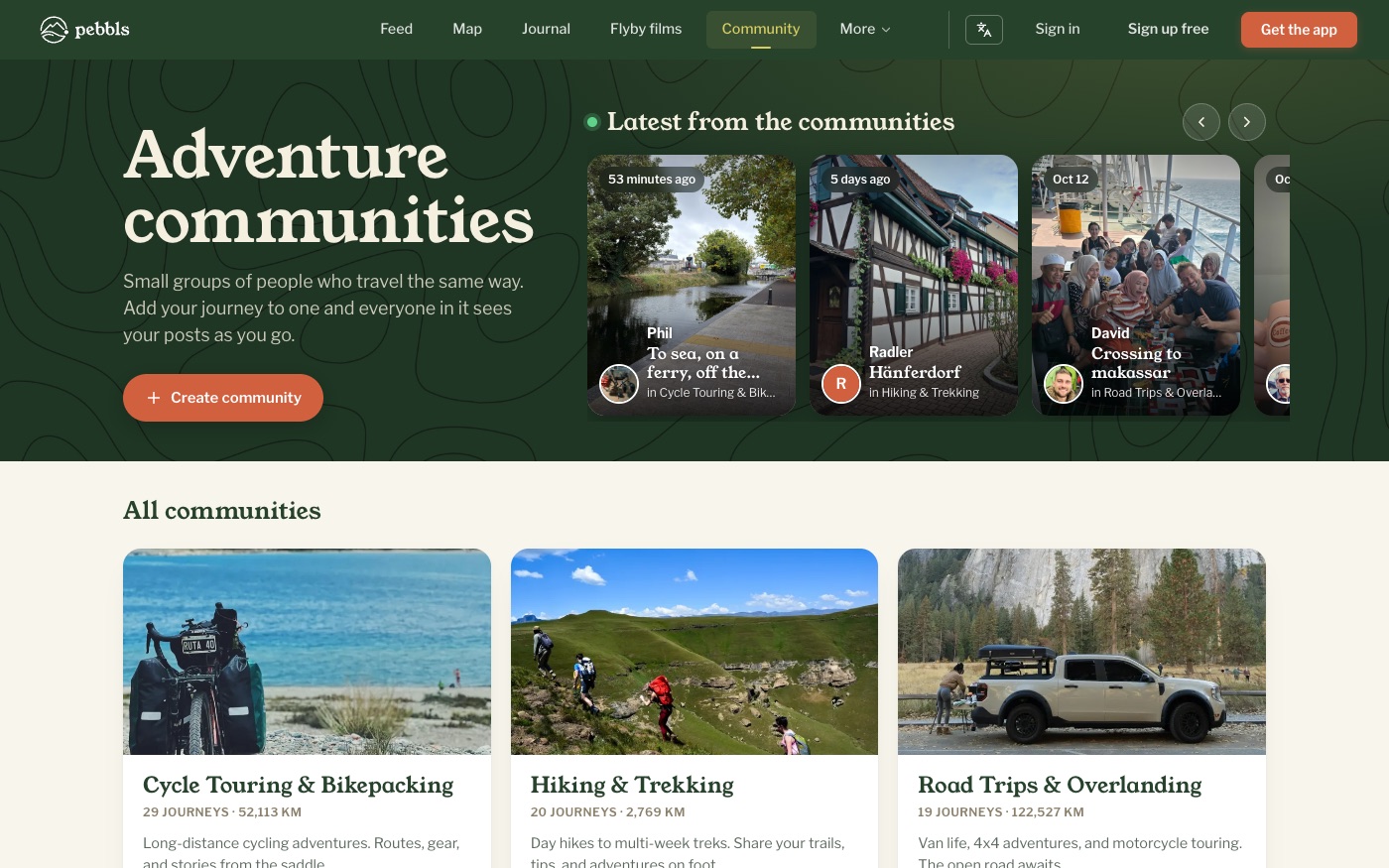
Browse www.pebbls.com/community. Along the top is the newest post from each community. If you’re signed in, your own communities come next, then all communities, the one with the newest post first. A community shows in the list once someone has added a trip to it; until then only its members see it, marked New. There’s no search or filter on this page.
How to join
- Open the community
- Tap Join Community, or Request to Join if the Hub requires approval
- For private Hubs you need an invite link from an admin
Membership status
While a request is waiting you see Pending and "Your membership request is awaiting approval". Once you are in, the community appears under My Communities.
Community tabs
- Journeys: everything shared to the community, with On the road now (journeys updated in the last two weeks) at the top
- Feed: the latest Pebbls from those journeys
- Discussions: conversations
- Photos and Flyby films
- Map: all shared journeys on one map
- Members
- Profile: partner hubs only
Posts from all your communities
Posts from my communities, at the top of the communities page, takes you to Out there with the My communities filter on: the latest posts from every community you belong to.
Leaving
Manage › Leave Community. Your shared journeys are removed from the community; they stay on your profile. If you own a Hub you must transfer admin, downgrade or delete it before you can leave.