How to take better travel photos on your phone

You don't need a proper camera for good travel photos. The phone in your pocket is fine, and on a long trip it has one big advantage: you always have it with you. The photos that matter most are often the quick ones you take without stopping for long.
These are the habits that make the most difference when you're travelling slowly and taking photos as you go. None of it needs another app or any extra kit.
Header photo: Mount Fuji on day 14 of St John's bike ride across Japan, from Nagasaki to Nemuro.
Clean the lens first
It sounds silly, but it's the most common reason for a soft, hazy photo. A phone that lives in a hip-belt pocket or a bar bag picks up fingerprints, sun cream and fluff all day. Give the lens a wipe on your shirt before anything important. If every photo from a day looks a bit milky, that's usually why.
Light and time of day
The first hour after sunrise and the last hour before sunset give you soft, low light that makes almost anything look better. Long shadows show the shape of the land, and stone and sand go warm. If you're on the move early anyway, as most walkers and cyclists are, you'll get this light for free. Adam and Olivia's first sight of land after 38 days at sea, the cliffs of the Marquesas, came as the sun was rising behind them.
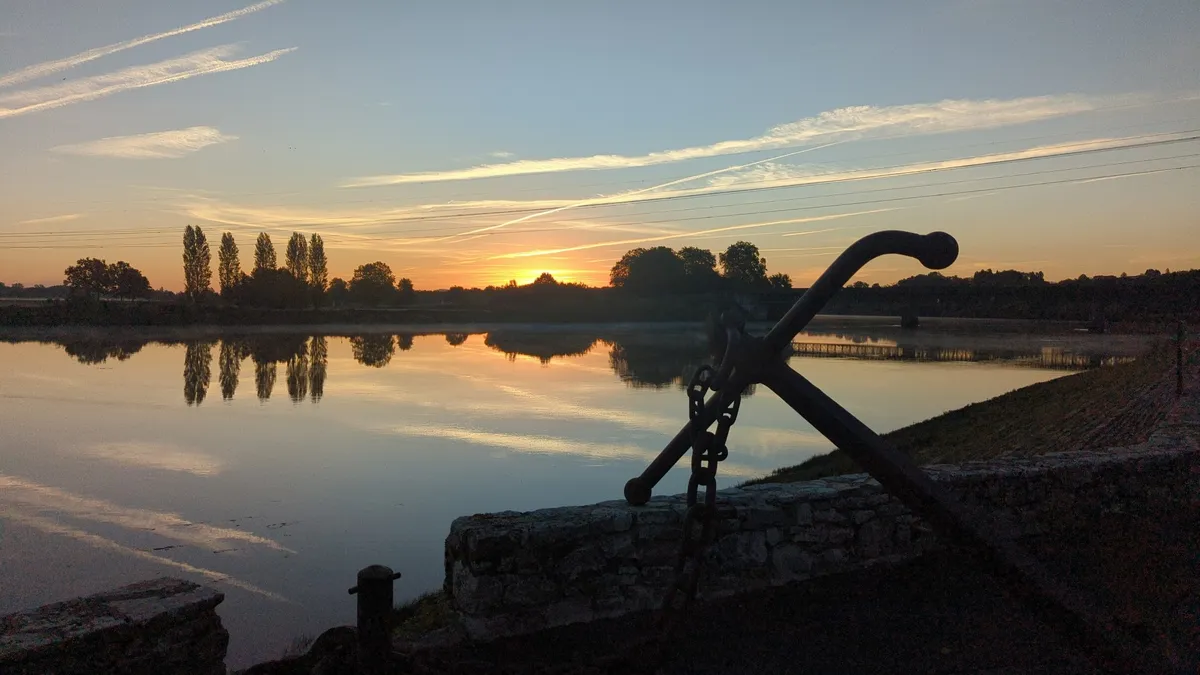
The middle of the day is harder. The light comes straight down, faces get dark eye sockets and the sky turns white. It's a good time for things up close, or for anything in the shade, rather than big views.
Grey, cloudy days are better than people think. Cloud spreads the light out evenly, which is kind to faces, woods, waterfalls and anything colourful. You just won't get much from a wide view with a flat white sky, so leave most of the sky out.
On most phones you can tap the screen to choose what to focus on, then slide your finger up or down to make the picture brighter or darker. If the sky is burning out, tap on the sky and darken it a touch. That one move fixes a lot of photos.
Keep the horizon level
A sloping sea makes a photo look like it was taken by accident. Turn on the grid in your camera settings (on an iPhone it's in Settings › Camera › Grid; on Android it's in the camera app's own settings) and line the horizon up with one of the lines. Putting it on the bottom third of the grid gives you more sky, the top third more land or sea.
On a moving boat or a bumpy road you won't always get it straight. That's fine. Straighten it afterwards in your phone's photo editor, which takes a couple of seconds.
Put someone in it
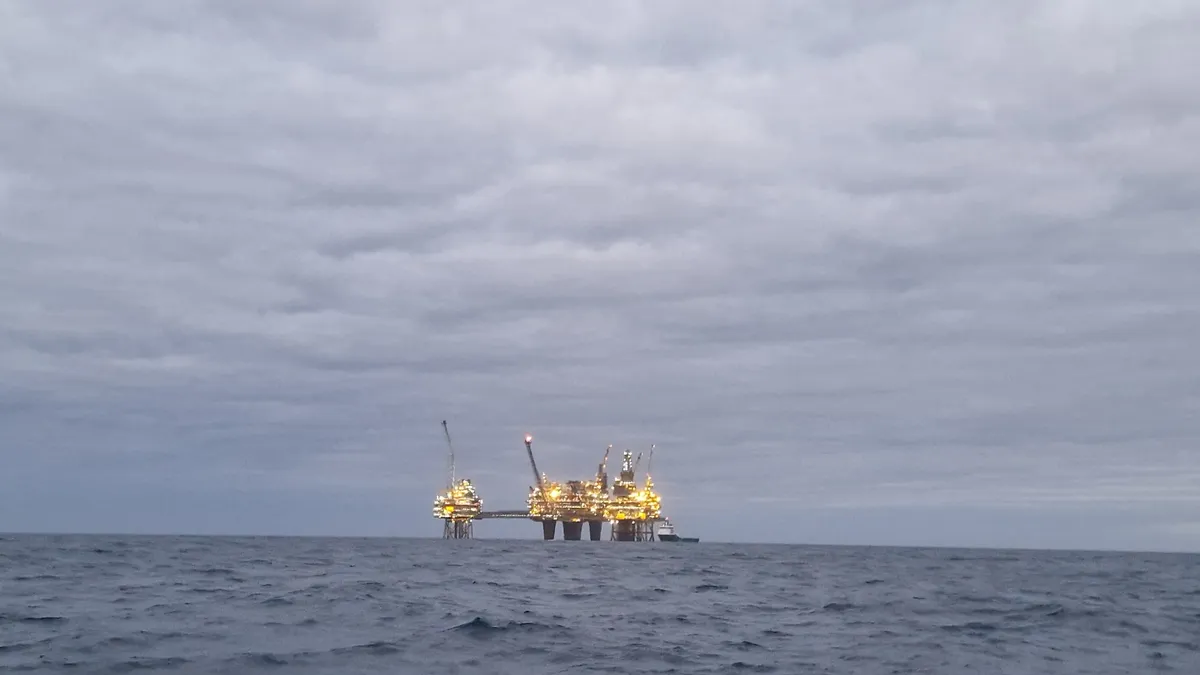
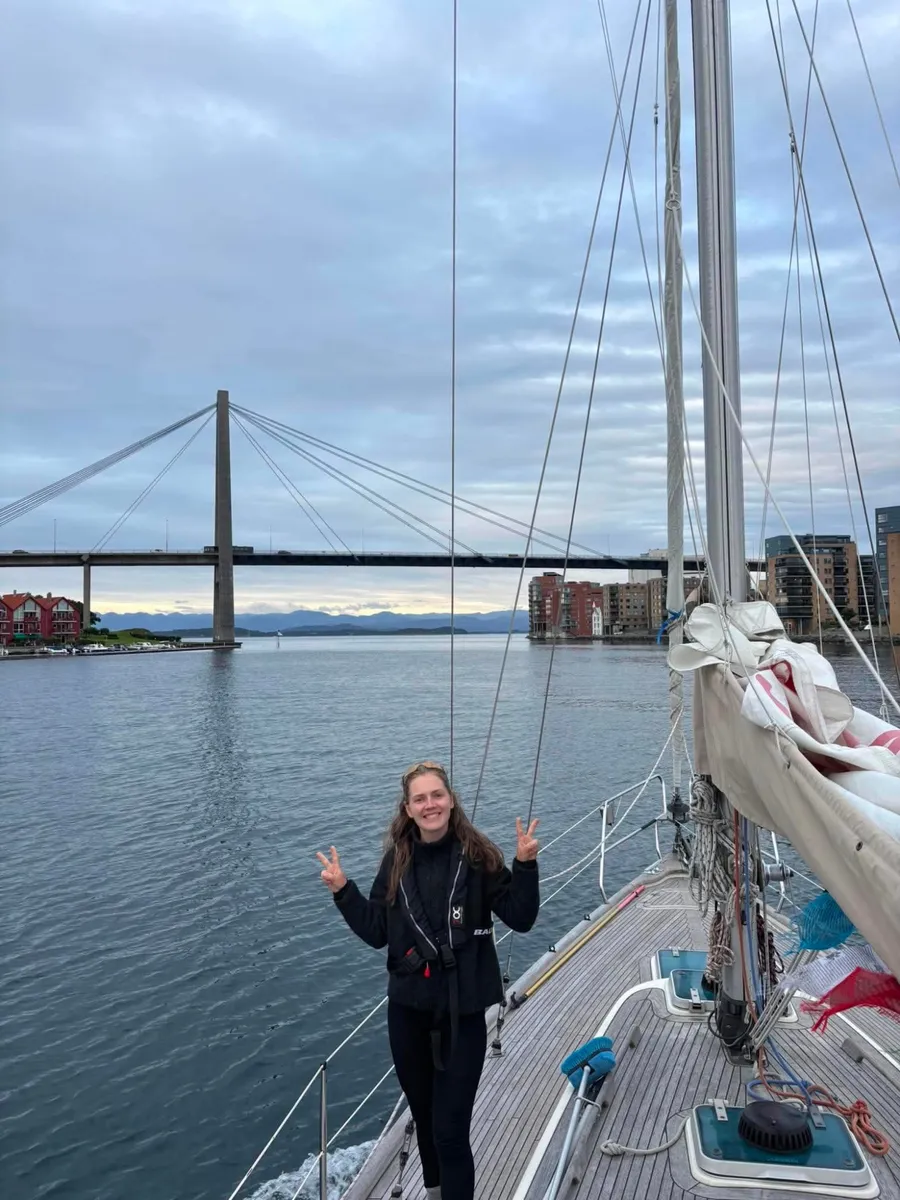
A big landscape on its own often looks smaller in the photo than it did in person. Put a person in it, even small and far away, and suddenly you can see how big the hill is or how long the road goes on. Your walking partner a hundred metres ahead on the path does the job perfectly. So does a bike leant against a gate, or the dinghy pulled up on a beach.
Photos with people in them are also the ones you'll go back to. The view from the summit is nice, but the photo of your friend looking wrecked at the top is the one you'll keep showing people.
If you're photographing people you don't know, ask first. A smile and pointing at the phone works in any language. Some people will say no, and that's their call.
Look for the small things
The big views tend to look alike after a while. It's the little things that bring a day back: the sign for a village of 60 people, the breakfast you'd been thinking about for 20 km, a cat on a harbour wall, the state of your feet. On day 28 of David's ride across Japan, the stop was Cat Alley in Onomichi, a hillside lane with little framed cat pictures hung on the walls.
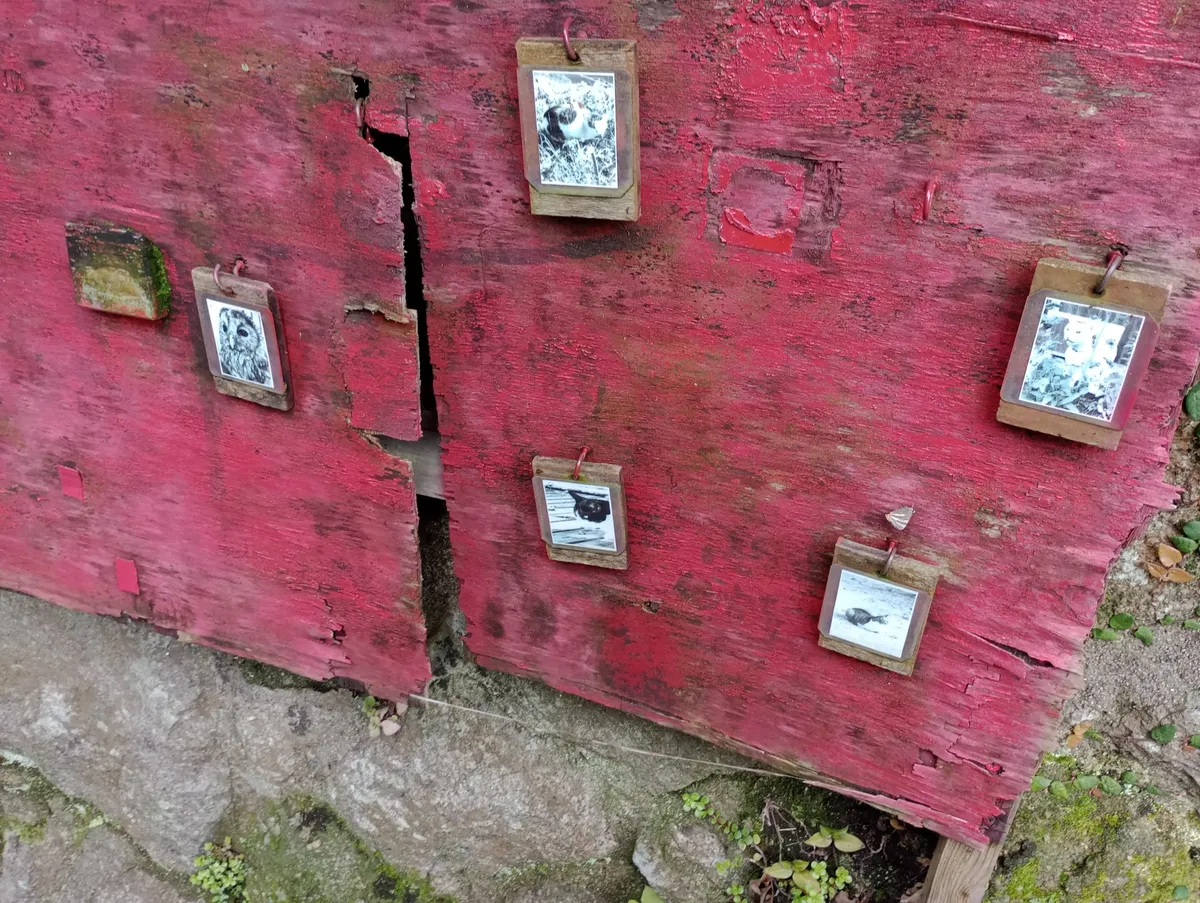
Get close to these. If your phone has a 2x or 3x lens, use it rather than pinching to zoom, which just crops the picture and makes it grainy. On most phones the numbers you can tap at the bottom of the camera screen are the lenses you have, and anything in between is a crop.
Photograph the route
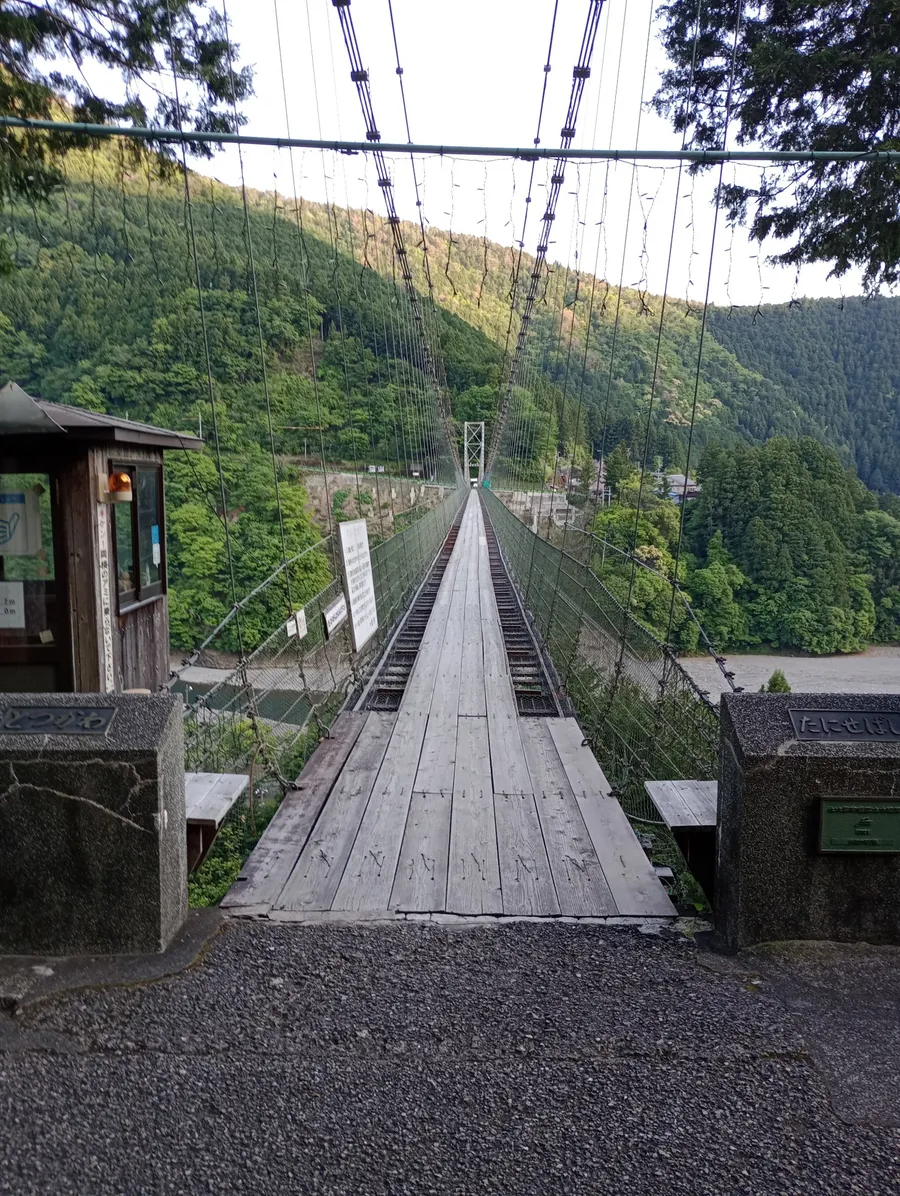
This is the one people forget. You'll take photos of where you got to, but not of the way there, and that's most of the trip. Take some of the road itself. The long straight bit across the plain. The trail marker on a post (the yellow arrows and shells on the Camino, the acorns on National Trails in England). The boat's wake. The bike loaded up outside the place you slept. On day 38 David crossed the Tanise suspension footbridge at Uenoji, 297 m long and 54 m above the river, and the photo straight down the planks says more than a view of the valley would.
Turn round now and then, too. The view back down the valley you've just climbed is often better than the view ahead, and you'd never see it otherwise.
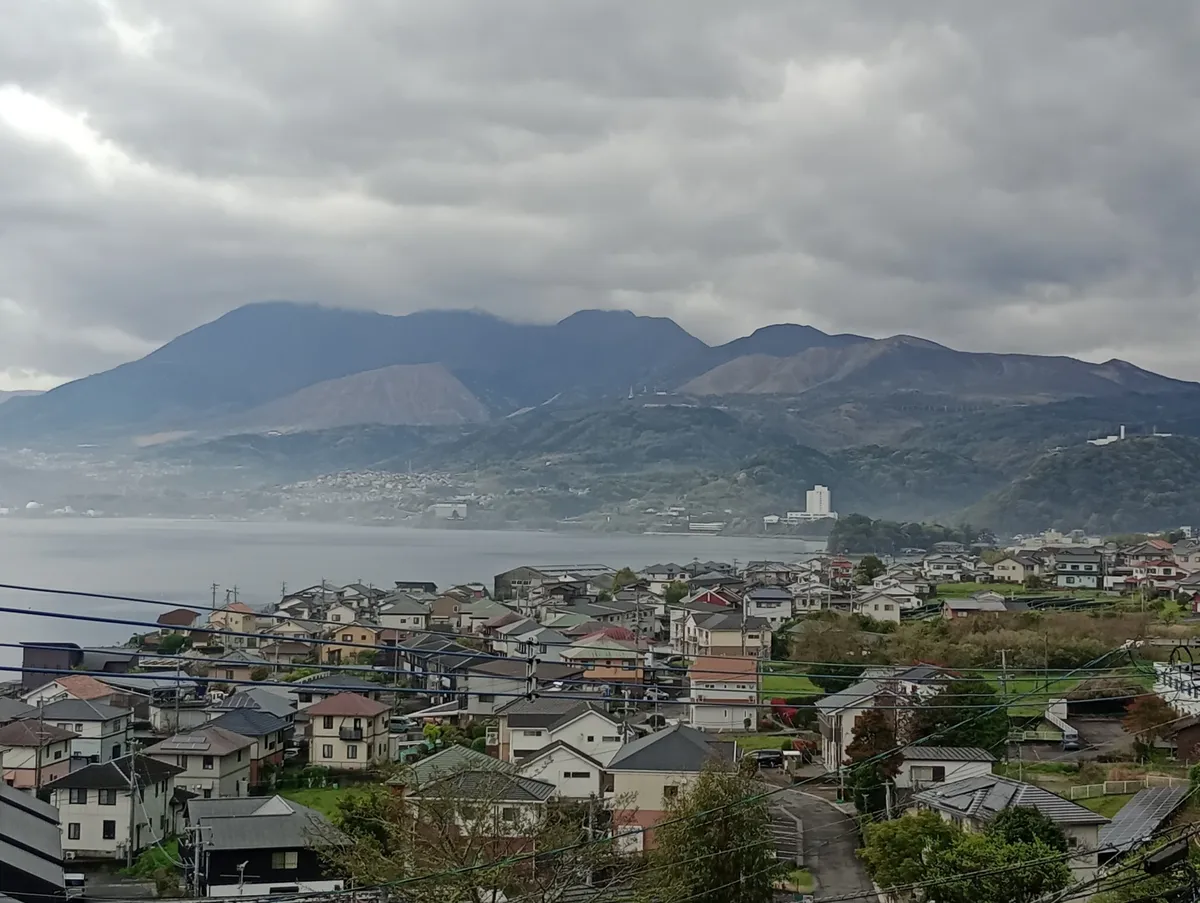
A wider shot with the road or path leading into the picture from a bottom corner works well. Your eye follows it in. Be careful with the ultra-wide lens (the 0.5x on many phones) close to people, as it stretches anything near the edges.
Battery on long days
The camera and the screen use far more battery than tracking your route does. Keeping the camera open, swiping through photos and reviewing every shot is what drains a phone by mid-afternoon. Take the photo, put the phone away, and look at them in the evening.
A power bank is worth carrying on long days, and on a bike or boat you can often keep the phone topped up from a USB socket. Phones also lose charge faster in the cold, so keep it in an inside pocket rather than on the outside of your pack when it's chilly.
Storage
A full phone in the middle of a trip is a horrible feeling. Before you go, check how much space you've got and clear out what you don't need. Video, especially 4K, fills a phone very quickly, so film short clips rather than leaving it running.
Back up as you go
If you lose your phone on day 20, you lose 20 days of photos. Set your phone's photo backup (iCloud Photos on an iPhone, Google Photos on Android, or whatever you use) to run on Wi-Fi, and let it catch up whenever you stop somewhere with a connection. If you're carrying a laptop or a tablet, copying the photos across every few days is a good second copy.
Turning a photo into a pebbl
A pebbl is a photo or a note, or both, pinned on your map where it happened. When you tap PEBBL in the app, it's placed where you are and stamped with the time. You can add up to 5 photos or videos, a title and a few words about what happened.
You don't have to do it on the spot. A lot of people take photos through the day and add their pebbls in the evening. If a photo knows where it was taken, Pebbls offers to put the pebbl there instead of where you are now. For that to work, leave location turned on for your camera app. Photos that have been sent through some messaging apps lose their location along the way, so add the original from your photo library where you can.
Once you save it, the pebbl and its photos upload in the background. With no signal, they wait on the phone and go up when you're back in range, even if that's days later. If you're on a small data plan, you can set photos to upload on Wi-Fi only. Just don't log out or delete the app while anything is still waiting, because until it uploads it's only on your phone.
You don't need to add everything. Choose a few from each day that show what it was like, and say something about them. A chapter with a couple of pebbls and at least three photos usually gets a flyby film too, a 3D film that follows your route from above and shows your photos where you took them.
If you want to see what other people's trips look like, the photo gallery has recent pebbls from public journeys, and you can filter by how they travelled.
Quick answers
Do I need a better phone? Probably not. Most phones from the last few years take very good photos in decent light. Cleaning the lens and keeping the horizon level will make more difference.
Should I use the phone's camera or the camera in the Pebbls app? Either works. A lot of people use their normal camera through the day and pick the best ones from their library in the evening.
There's more on adding pebbls in the help pages. Then get Pebbls free and enjoy the trip.