Best travel journal apps in 2026: how to choose one before your trip
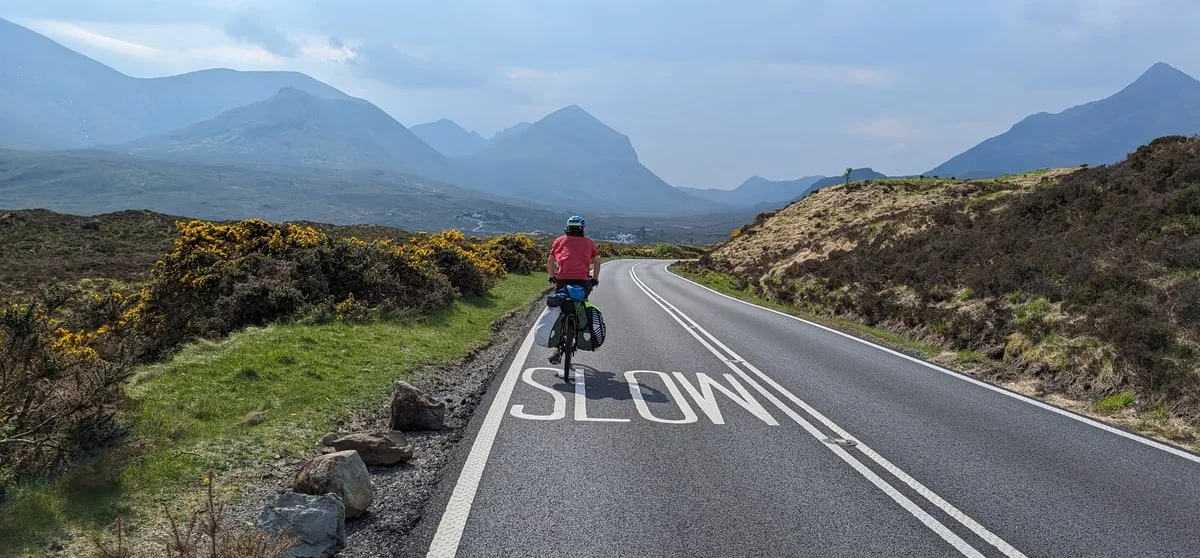
If you want a record of your next trip, pick the app before you go. Set it up at home, test it on a short day out, and it'll quietly do its job once you're on the road. Leave it until you're there and you'll spend the first week fiddling with settings.
This guide covers what to think about before you choose, the six apps worth looking at, and a short checklist for the week before you leave.
Six questions to answer first
1. How are you travelling? If you're moving between towns by train or bus, an app that marks where you stopped is enough. If you're cycling, walking, sailing, paddling or driving a van, the route itself is the trip, and you'll want an app that records the whole line, not just the stops.
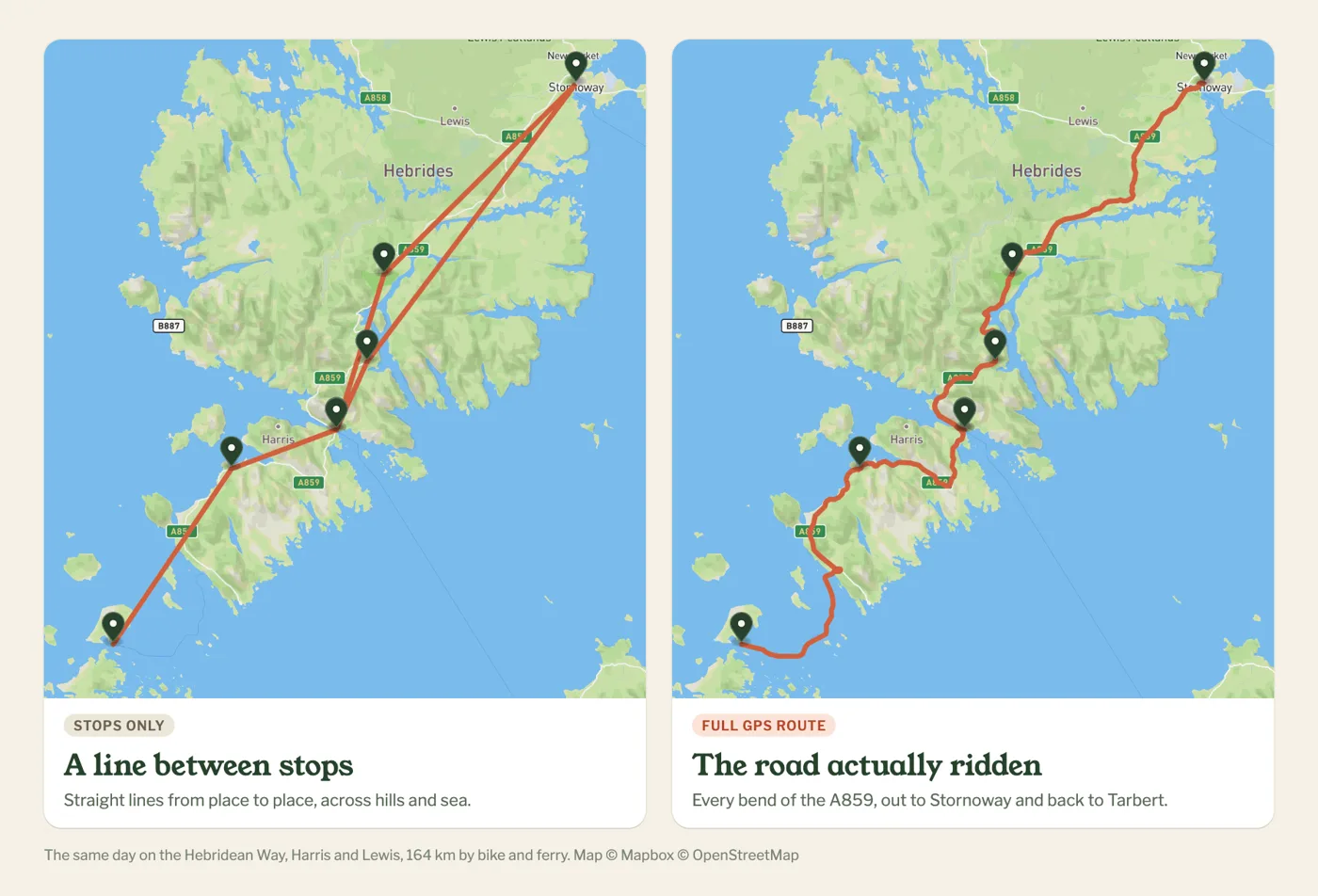
2. Who wants to follow along? Family who just want to know you're safe need a link that works in a browser, with no app to install. If you'd like other travellers to find your trip, follow you and comment, look for an app with a community built in.
3. How private do you need to be? Posting where you are, as you get there, is fine on a city break. If you're wild camping or anchored somewhere quiet, look for ways to hide exact spots or delay your position.
4. What do you want at the end? A printed book, a private diary, a map you can share, or a video of the route. Each app is better at one of these than the others.
5. How long is the trip? A two-week holiday fits in one list. Six months on the road is easier to follow, and to look back on, if it's split into chapters.
6. Do you have a blog or website? If you write a travel blog, or run a site for a sailing voyage, a charity ride or an expedition, check whether the app lets you put your live map on your own pages. Not all of them do.
The six apps compared
| App | Best for | How the map is made | Free version | Paid plan |
|---|---|---|---|---|
| Polarsteps | Holidays and city-to-city trips | Automatic, joins steps and tracked points | Yes, generous | Plus, $34.99 a year |
| FindPenguins | Backpacking and longer holidays | "Footprints" plus auto tracking | Yes, everything | Free (printed books extra) |
| Journi | A printed book at the end | Photo locations, no route | Limited | Premium, $53.99 a year |
| Day One | A private written diary | Entry locations, no route | Limited | Silver, $49.99 a year |
| Google Maps Timeline | Remembering where you were | Automatic, on your phone only | Free | – |
| Pebbls | Bike, foot, sail, paddle and van trips | The full GPS route, in chapters | Yes, tracking, sharing and flyby films included | Explorer, $20 a year |
Prices are the yearly plans on the US App Store in October 2026; FindPenguins dropped its paid plan and is now free. They vary by country and change, so check before you pay. Printed books are extra on the apps that offer them.
Polarsteps
The best known. Tracking is automatic and the trip page looks good with no effort. The route joins your steps and the points the app tracked in between, so it's an outline of the trip rather than every bend, and a "snap to roads" tool tidies it up. A long trip is one timeline of steps. Good for: holidays and city breaks.
FindPenguins
Similar to Polarsteps: you post "footprints" (a photo, some words, a place) and it tracks between them, and other travellers can follow and comment. It's now completely free, including 3D flyover videos, and reviewers mention a busy screen. Good for: backpacking trips with plenty of stops.
Journi
Built around the printed book. Add photos and notes, it puts them on a map, then you order the book. No route tracking. Good for: a photo book of the trip.
Day One
A well-made private diary that adds location and weather to each entry. Encrypted, searchable, and lovely to write in, but there's no route and nothing to share. Good for: writing, alongside another app.
Google Maps Timeline
If location history is on, it's already recording. Since 2025 it's stored on your phone only, so it can't be shared and it goes if the phone does. Good for: checking where you were on a given day.
Pebbls
Made for trips where the route matters: cycle tours, long walks, sailing, paddling and van trips. It records your full GPS track, keeps going with no signal and syncs when you're back in range. You add pebbls (photos and notes) as you go, and they sit on the map where they happened.
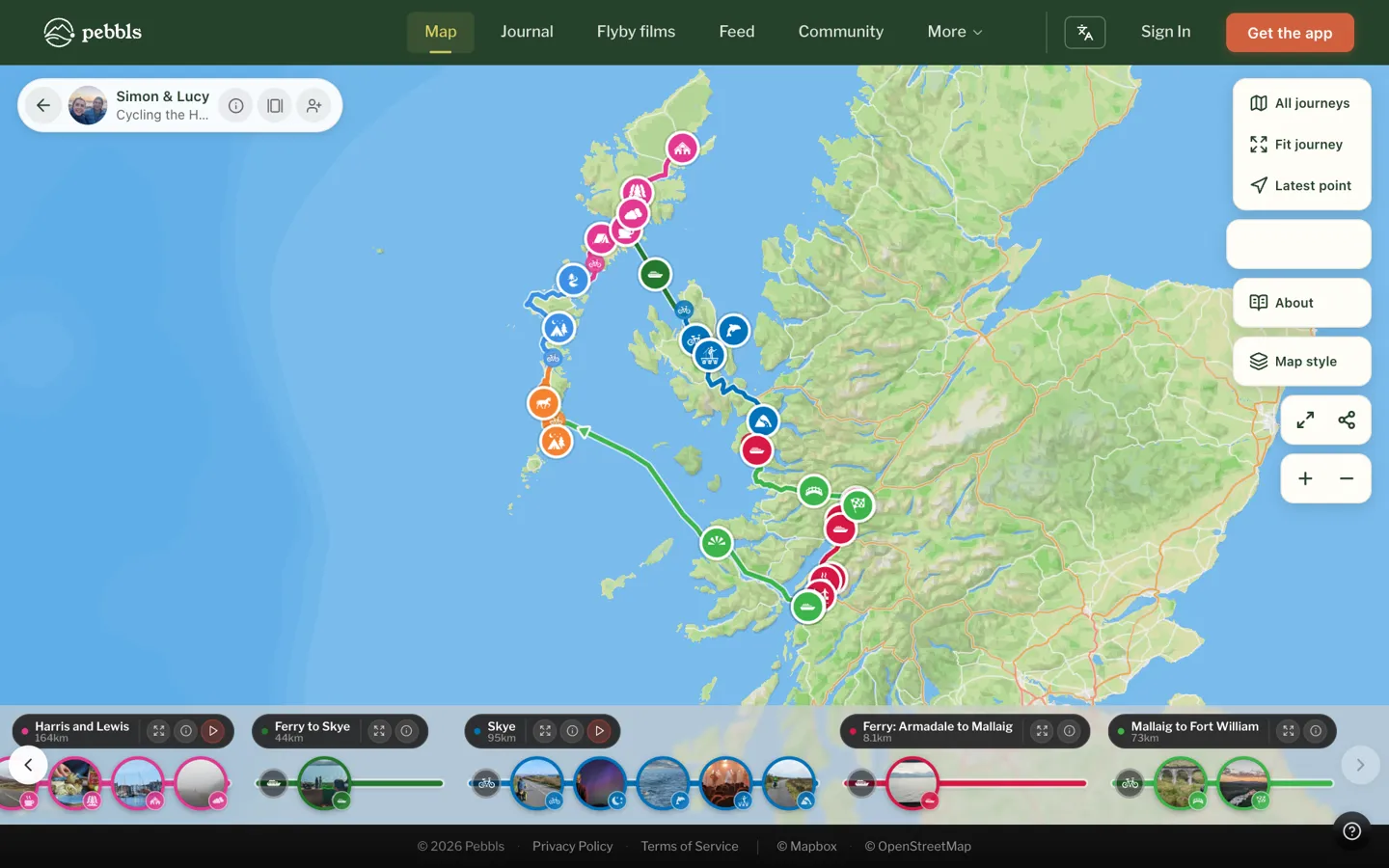
Long trips are split into chapters, and every chapter with a few pebbls and photos gets a free flyby film, a 3D flight along your route with your photos.
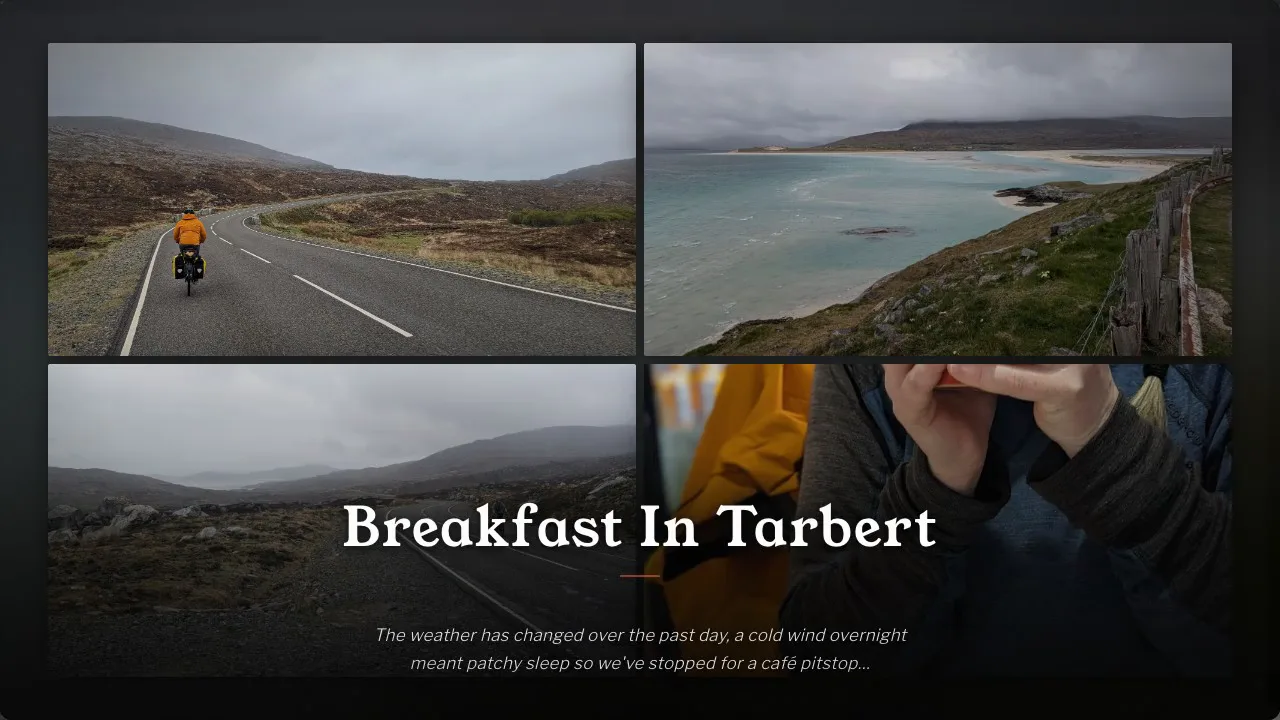
Family follow along in a browser and get a message when you post. Other explorers can follow you, comment and react, and there are communities for cycle touring, bikepacking, sailing, hiking, paddling and van life, plus badges for your distance by bike, on foot and under sail.
If you have a website, you can put your live map on it with an embed code, or with the free WordPress plugin, which adds a Pebbls block to the editor. Your blog, expedition site or sponsor page shows your route and pebbls as you add them, and with live tracking, where you are right now. How to embed your map.
For privacy you can mask the exact spot of a pebbl or hide areas such as your home, and with Explorer delay your live position or keep a journey private or behind a password. Older trips can be imported from GPX, and on a laptop you can tidy the route in the track editor and manage your journeys at app.pebbls.com.
It's newer than Polarsteps, so there are fewer people on it, and it doesn't print books. Good for: journeys where the route is the story. Tracking, photos, sharing and flyby films are free; Explorer ($20 a year) adds live tracking, private and password-protected journeys, tracking privacy, videos and GPX downloads.
Everything Pebbls does
Almost everything is free. Explorer ($20 a year) adds the rest.
| Feature | Plan |
|---|---|
| Your route | |
| Full GPS track by bike, on foot, under sail, by paddle or in a van | Free |
| Keeps tracking with no signal and syncs later | Free |
| Offline maps (more regions with Explorer) | Free |
| Import older trips from GPX | Free |
| Track editor to tidy the route on a laptop | Free |
| Live tracking: your map updates as you move | Explorer |
| Download your route as GPX | Explorer |
| Your story | |
| Pebbls: photos and notes pinned where they happened | Free |
| Videos in your pebbls | Explorer |
| Chapters for long journeys | Free |
| A journal page and an adventure map for every journey | Free |
| Flyby films of chapters with a few pebbls and photos | Free |
| Read in six languages, translated automatically | Free |
| Sharing | |
| Followers get a message when you post, no app needed | Free |
| Share by link, QR code or adventure card | Free |
| Put your map on your website, or with the WordPress plugin | Free |
| Privacy | |
| Mask the exact spot of a pebbl, hide areas like home | Free |
| Private pebbls | Free |
| Tracking privacy: hide your latest spot until you've moved on | Explorer |
| Private and password-protected journeys | Explorer |
| Community | |
| Follow explorers, react and comment | Free |
| Communities for cycling, sailing, hiking, paddling, van life and more | Free |
| Travel badges and your countries and seas map | Free |
| iPhone, Android and the web | Free |
Pebbls, Polarsteps and FindPenguins side by side
| Pebbls | Polarsteps | FindPenguins | |
|---|---|---|---|
| Free to use | ✓ | ✓ | ✓ |
| Paid plan | $20 a year | $34.99 a year | – |
| 3D flyby film of your route, with your photos | Free, for chapters with a few pebbls and photos | 3D replay with Plus | Free |
| Long trips split into chapters, each with its own page | ✓ | One trip, one list of steps | Trips and footprints |
| Communities for cycling, sailing, hiking, paddling and van life | ✓ | – | Group tracking for organised groups |
| Map on your own website | ✓ | ✓ | ✓ |
| Official WordPress plugin | ✓ | Third-party only | Embed code |
| Import older trips from GPX | ✓ | – | ✓ |
| Printed travel book | – | ✓ | ✓ |
Checked against each app's own website and help pages in October 2026.
Which one should you choose?
- City-to-city holiday: Polarsteps.
- Backpacking with lots of stops: FindPenguins.
- A printed book: Journi or Polarsteps.
- A private written diary: Day One.
- Just a record of where you've been: Google Maps Timeline.
- By bike, on foot, under sail, by paddle or in a van, with other adventurers following along: Pebbls.
- A live map on your own blog or website: Pebbls.
The week before you leave
Whichever app you pick, do these before the trip, not on day one:
- Install it and create your journey. Name it and, if the app has chapters, set up the first one.
- Allow location "always". Tracking apps need background location. On Android, also turn off battery optimisation for the app, or it may stop recording when the screen is off.
- Test it on a short day out. A ride, a walk or a drive round town. Check the route looks right afterwards.
- Set your privacy. Decide what's public, what's hidden, and whether your position should be delayed.
- Send the link to family. They'll know where to look from day one, and you won't get "where are you now?" every evening. If you have a blog or website, add the map to it now.
- Download offline maps for where you're going, and pack a power bank.
See some examples
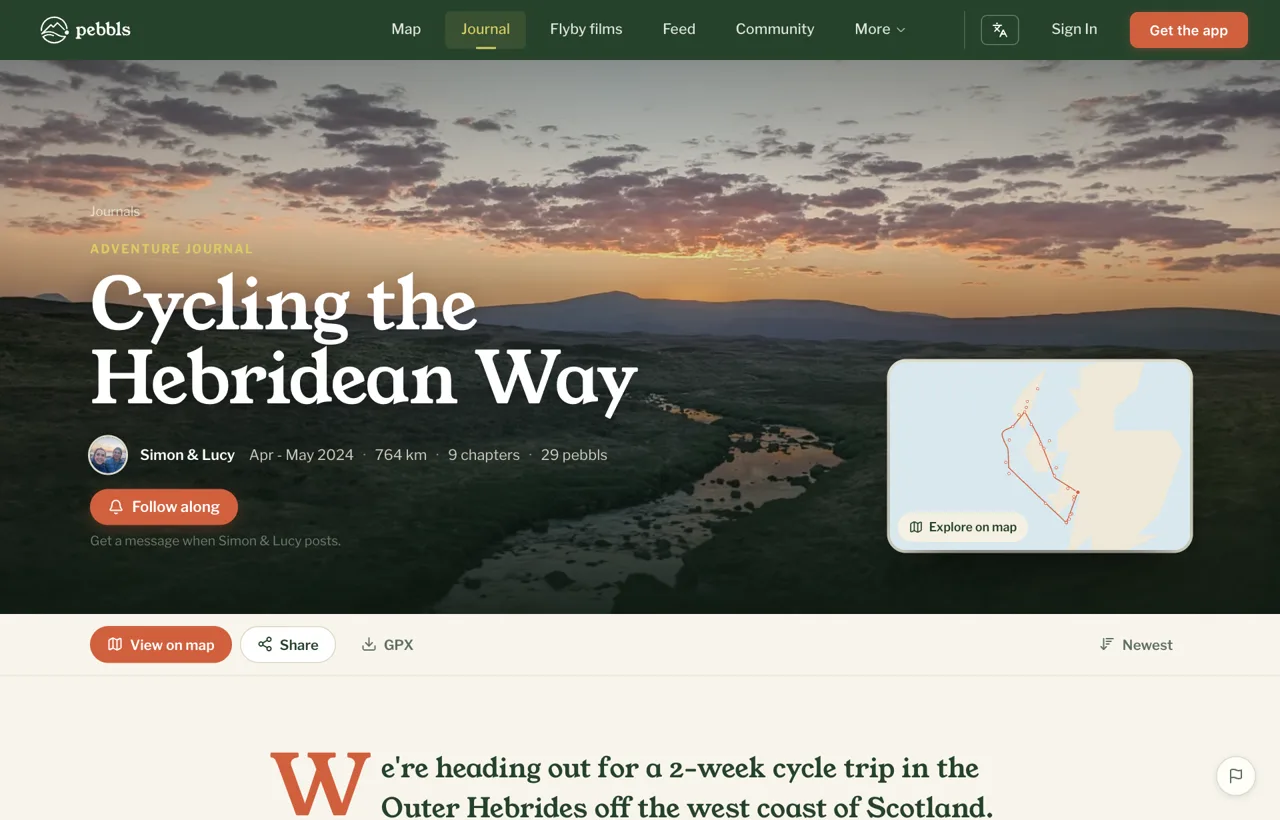
Have a look at Cycling the Hebridean Way or Sailing Around The World, watch a few flyby films, or browse the adventure journals. If you're deciding between Pebbls and Polarsteps, there's a side-by-side comparison.
Get Pebbls free and set it up before your next trip.