How to track your trip on a map with a free travel tracker app
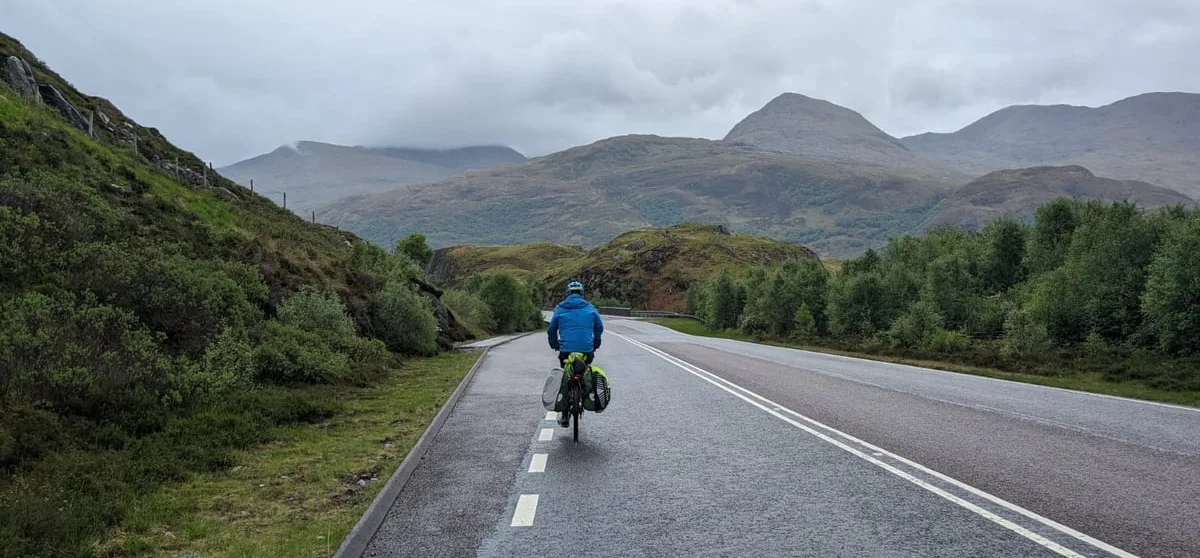
Want a map of your trip that shows where you actually went, not just where you slept? Your phone can do it. Here's how to set it up before you go, what to do on the road, and what you end up with.
Three ways to get your trip on a map
Track it as you go with an app. Your phone's GPS records the route in the background while it's in your pocket. This is the only way to get the real line, every bend and detour, and the only way people at home can follow along while you're away.
Let your phone remember for you. If location history is on, Google Maps Timeline keeps a rough record of where you've been. It's free and automatic, but it lives on your phone, can't be shared and isn't a map of a trip as such.
Draw it afterwards. Plot the route by hand on a map tool, or import a GPX file from a bike computer or watch. Fine for old trips, but it's a chore, and it loses the moments along the way.
For a trip you haven't done yet, the first is the one to use.
Before you leave
- Install the app and sign in at home, on wifi.
- Allow location "Always". Background tracking needs it. On iPhone, also leave Precise Location on.
- On Android, turn off battery optimisation for the app. Otherwise the phone may stop it recording when the screen is off. It’s usually under Settings → Apps → Pebbls → Battery.
- Download offline maps for where you're going.
- Do a test run. A short walk or ride round the block, then check the line on the map looks right.
- Pack a power bank. Tracking all day uses some battery; a screen on all day uses far more.
On the road, step by step
This is how it works in Pebbls, which is built for exactly this.
1. Start a journey. Give it a name, say who can see it, and you're ready. A long trip is split into chapters (a day, a leg, an island), so start your first one when you set off.
2. Pick how you're travelling. Bike, foot, boat, car, train, horse and more. You can change it as you go, and the route on the map changes colour to match.
3. Turn tracking on and put the phone away. It keeps recording with no signal and catches up when you're back in range, so mountains, sea crossings and long empty roads are fine.
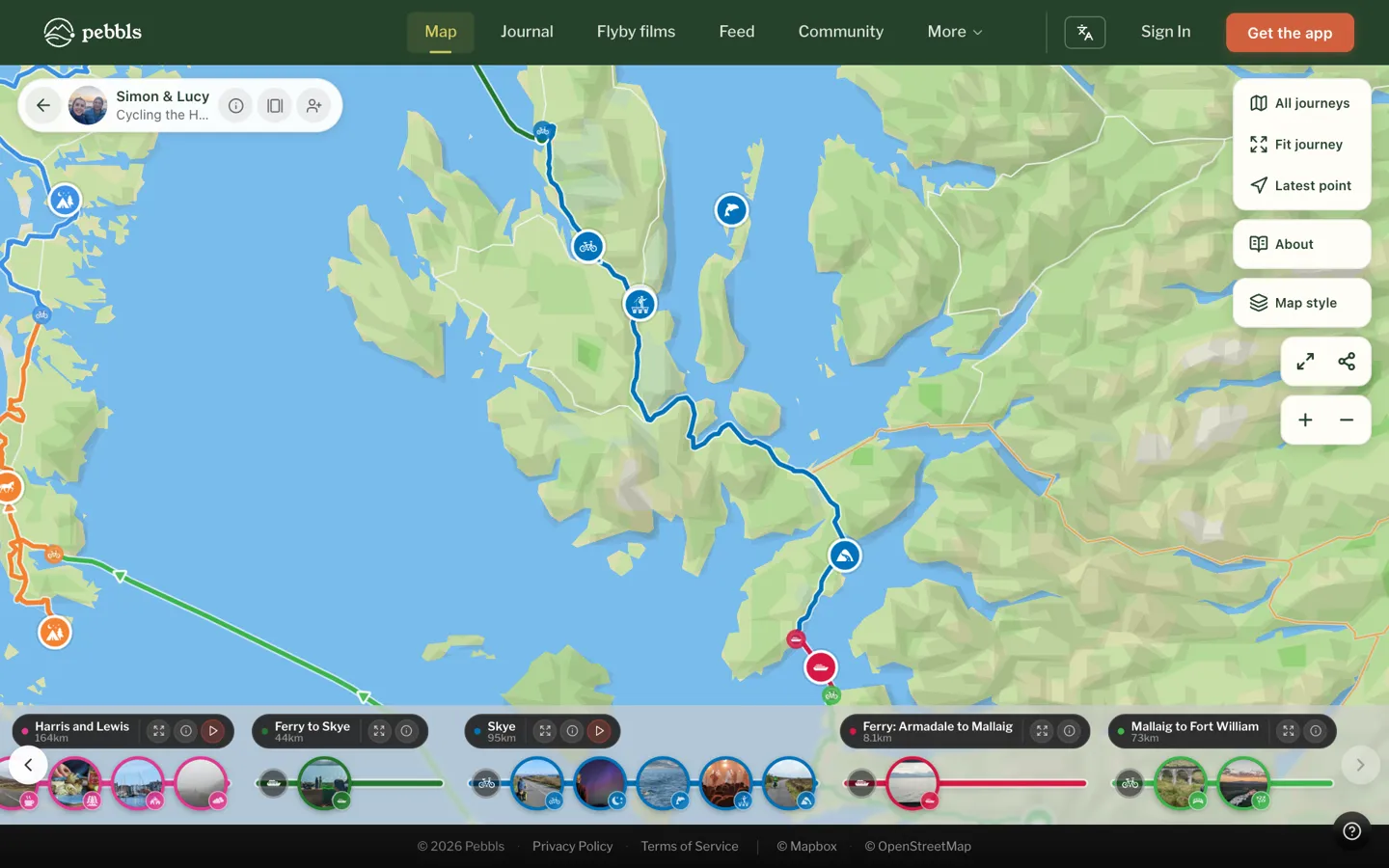
4. Drop pebbls along the way. A pebbl is a photo, a note or both, pinned to the spot where it happened: the view at the top of the climb, the café that saved the day, the campsite. They're what turn a line on a map into a story.
5. Send the link to the people at home. They can follow along in a browser with no app, and get a message whenever you post. The map updates every few minutes, and with an Explorer membership it keeps up with you as you move.
6. End the chapter. When you finish a day or a leg, end the chapter and start the next one. Each chapter gets its own page in your journal.
Keep the bits you don't want public private
You choose what's on show. You can hide areas such as your home, mask the exact spot of a pebbl, or keep the whole journey private for just the people you send the link to. If you're wild camping or travelling alone, tracking privacy (part of Explorer) holds back your latest position until you've moved on.
What you end up with
A map of the real route, in colour by how you travelled, with your pebbls along it.
A journal, chapter by chapter, that reads well on a phone and that friends and family can come back to.
A flyby film of every chapter, made for you and free: a 3D flight along your route with your photos along the way.
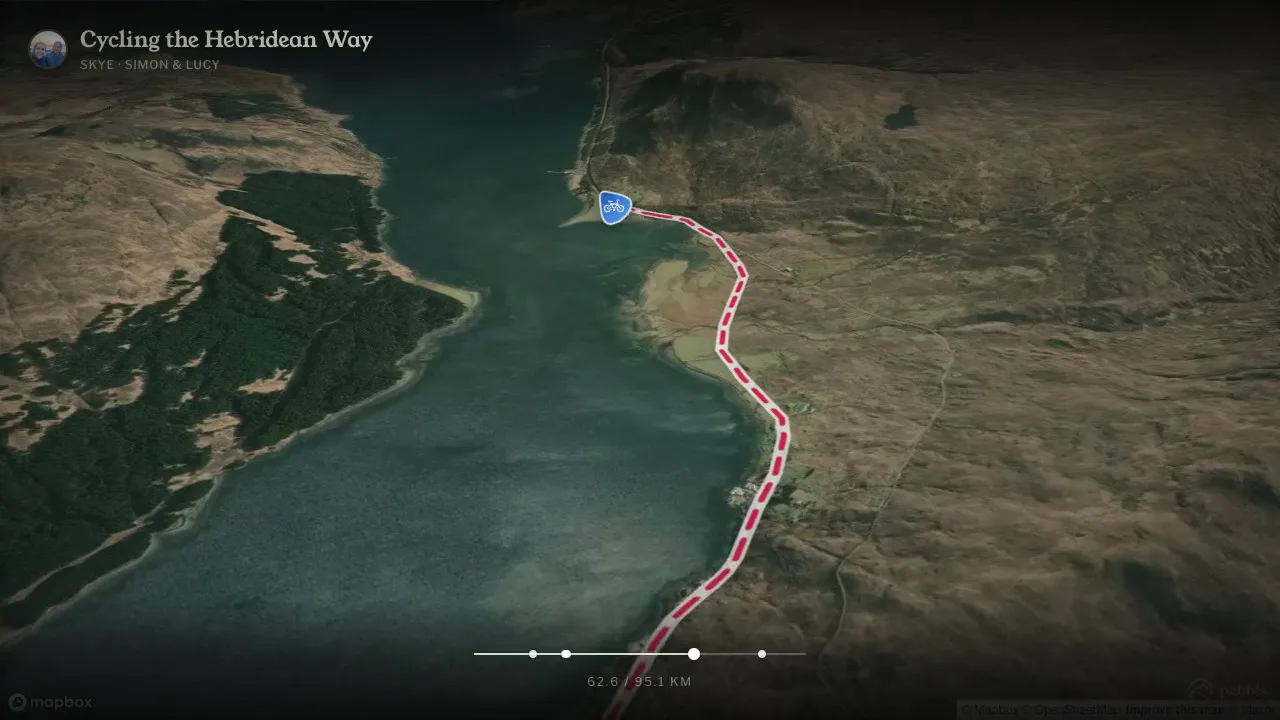
An animated map of the whole trip, if you'd like one to share: the route draws itself across a map, with your photos popping up along the way. You can make one with Animated travel map.

You can also tidy a messy bit of the route on a laptop with the track editor, put the map on your own blog or website, and download it as GPX with Explorer.
Quick answers
Does tracking drain the battery? Some, but less than you'd think. Most of the drain on a travel day comes from the screen, the camera and searching for signal.
Do I need signal? No. The route records without it and uploads when you're back in range.
Can I add trips I've already done? Yes, if you have a GPX file from a watch, bike computer or another app. It joins your map like any other chapter.
Is it free? Tracking, pebbls, sharing, the journal and flyby films are free. Explorer ($20 a year) adds faster map updates, private journeys, tracking privacy, videos and GPX downloads.
Have a look at a journey before you start your own: Cycling the Hebridean Way shows the route, the pebbls and the flyby films together. If you're still choosing an app, here's how the main travel journal apps compare.
Get Pebbls free and set it up before your next trip.